
Loved on the App Store

Everything you need to succeed
Notes, flashcards, tasks, docs, and a calendar live together in one simple app, so everything you need to study is always within reach.
- NotesHandwrite on an infinite whiteboard or notebook.
- FlashcardsSpaced repetition schedules your reviews for you.
- TasksTo-do lists and reminders for every class.
- DocsTyped documents for essays and papers.
- CalendarYour deadlines and schedule, next to your work.
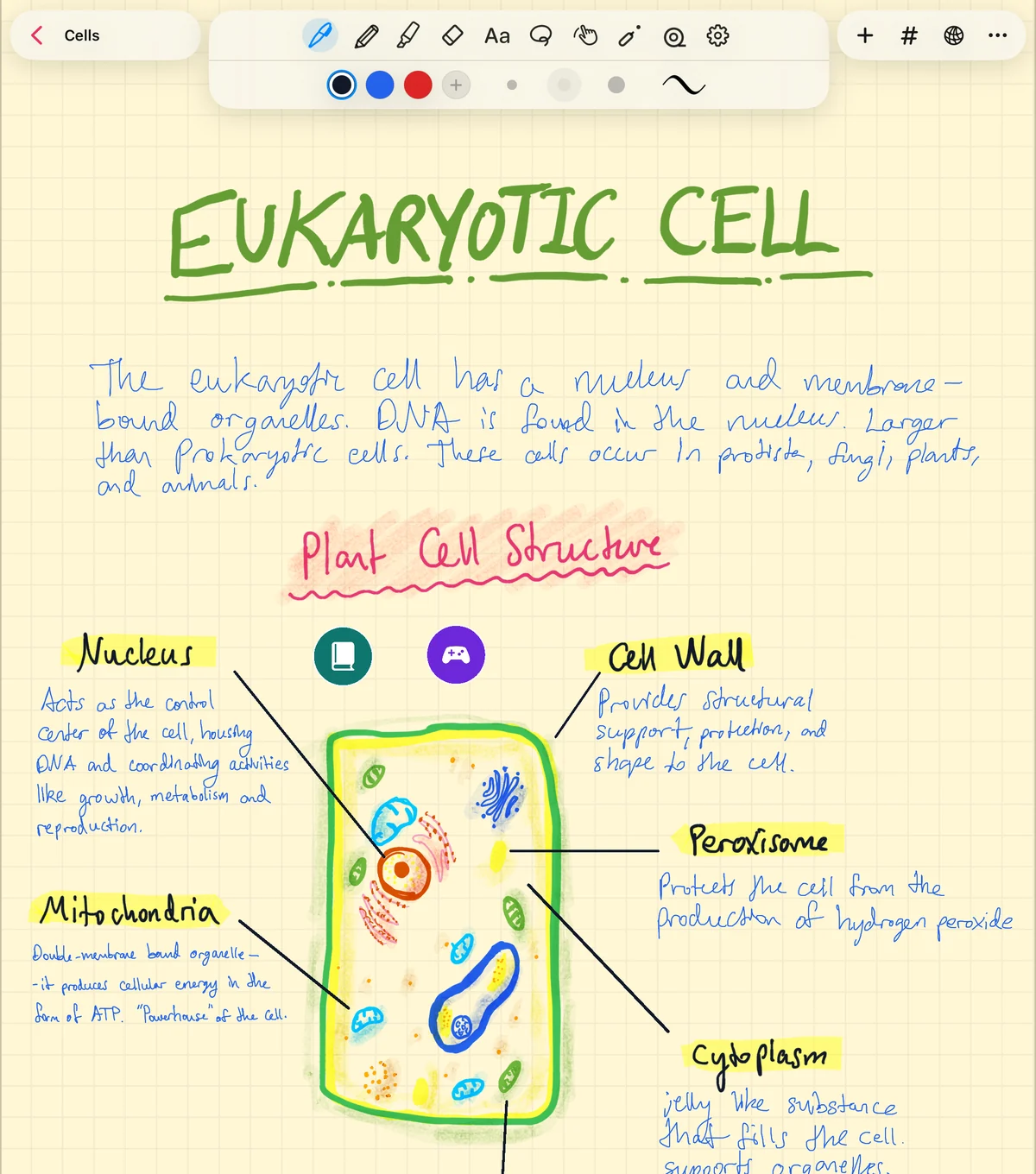
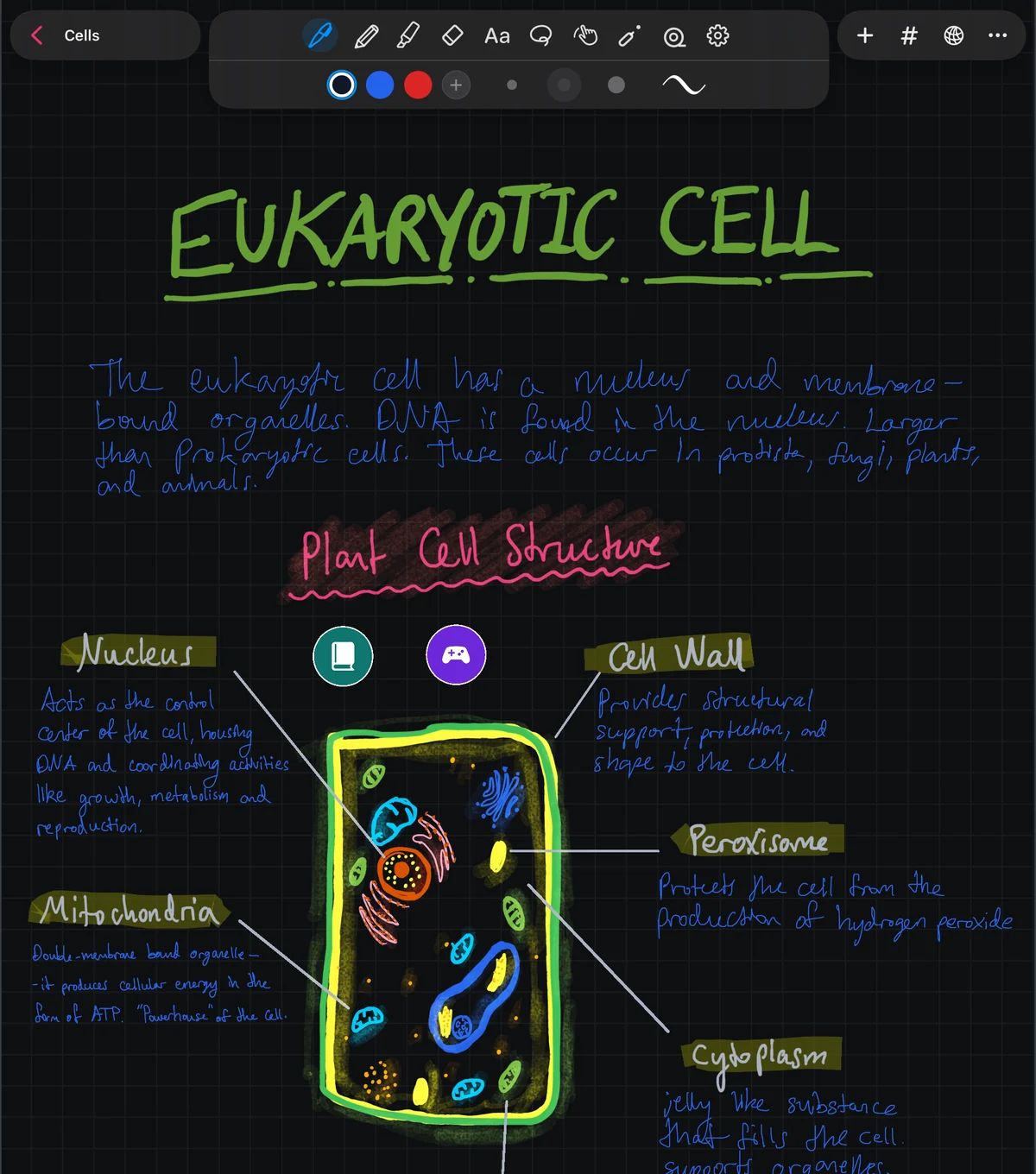
Handwriting that feels better than paper
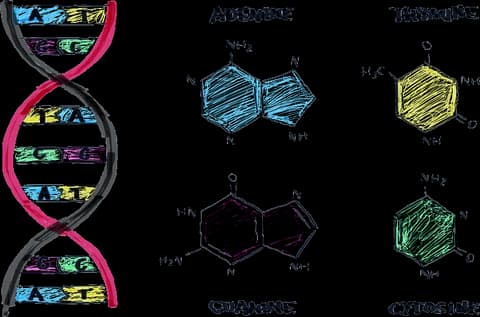
Pressure-sensitive pens, a grainy pencil, highlighters, and study tape for hiding answers. Write on an infinite whiteboard, or in an infinite notebook with pages in grid, lines, or dots.
Ace your exam with Sweet Study
Sweet Study turns your notes into a day-by-day plan for your exam, with hands-on lessons and practice in the exam's format. Open it from the sidebar.
- Bring what you have
- Your notes, PDFs, photos, YouTube videos, web pages, pasted text, or a lecture recording.
- A plan built around your exam
- Set the date and Sweet Study spaces out lessons and reviews, with a timed mock exam near the end when there's time.
- Lessons you do, not just read
- Pictures show why it matters. Then you learn by doing, with whatever fits the subject: predicting what happens, putting steps in order, sorting ideas, running labs, and working through examples.
- Practice like the real exam
- Questions in your exam's format, including worked problems, short answers, and essays with feedback, then any flashcards that are due.
- Study it your way
- Turn a chapter or the whole plan into a podcast, notes to read, flashcards, or a quiz, and ask the tutor whenever you're stuck.
Sweet Study is in beta and uses AI.
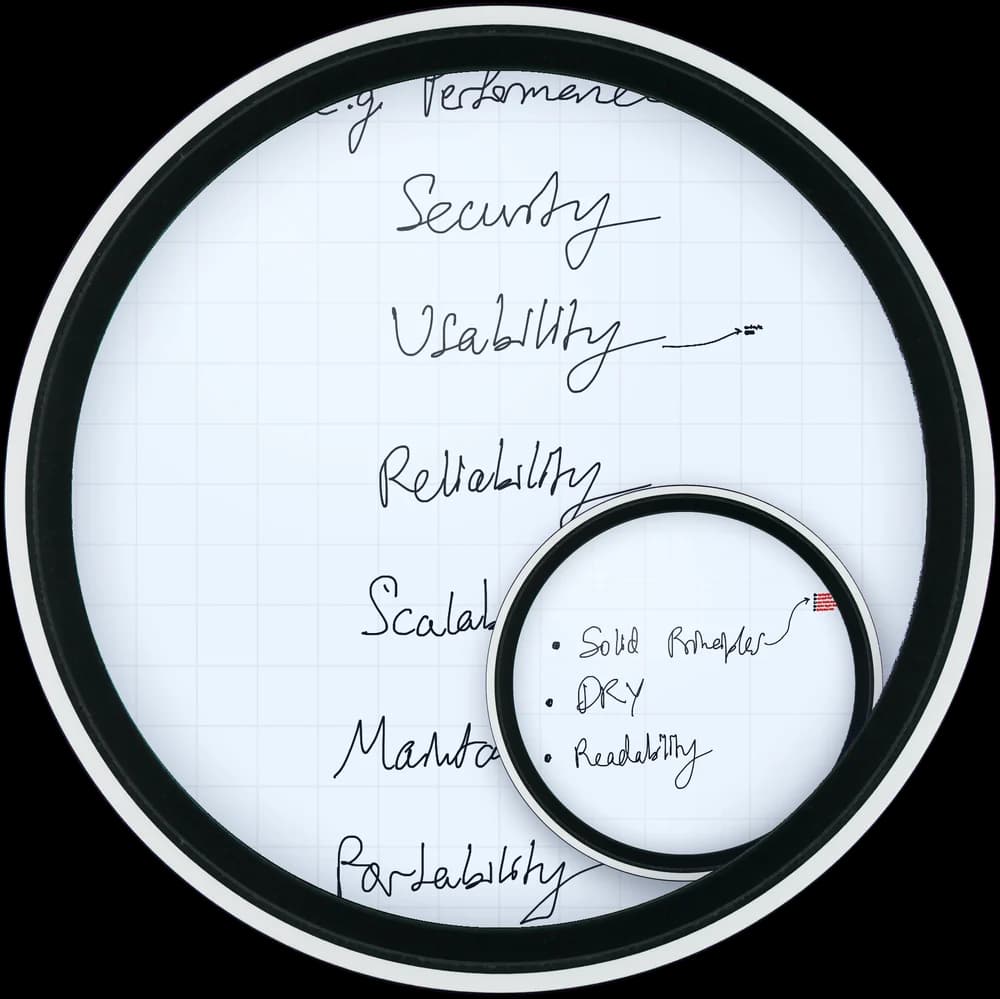
Zoom in. Then keep going.
The whiteboard and the notebook are both infinite, with no zoom limit. Tuck a whole diagram inside a margin note, and it's right there whenever you zoom in.
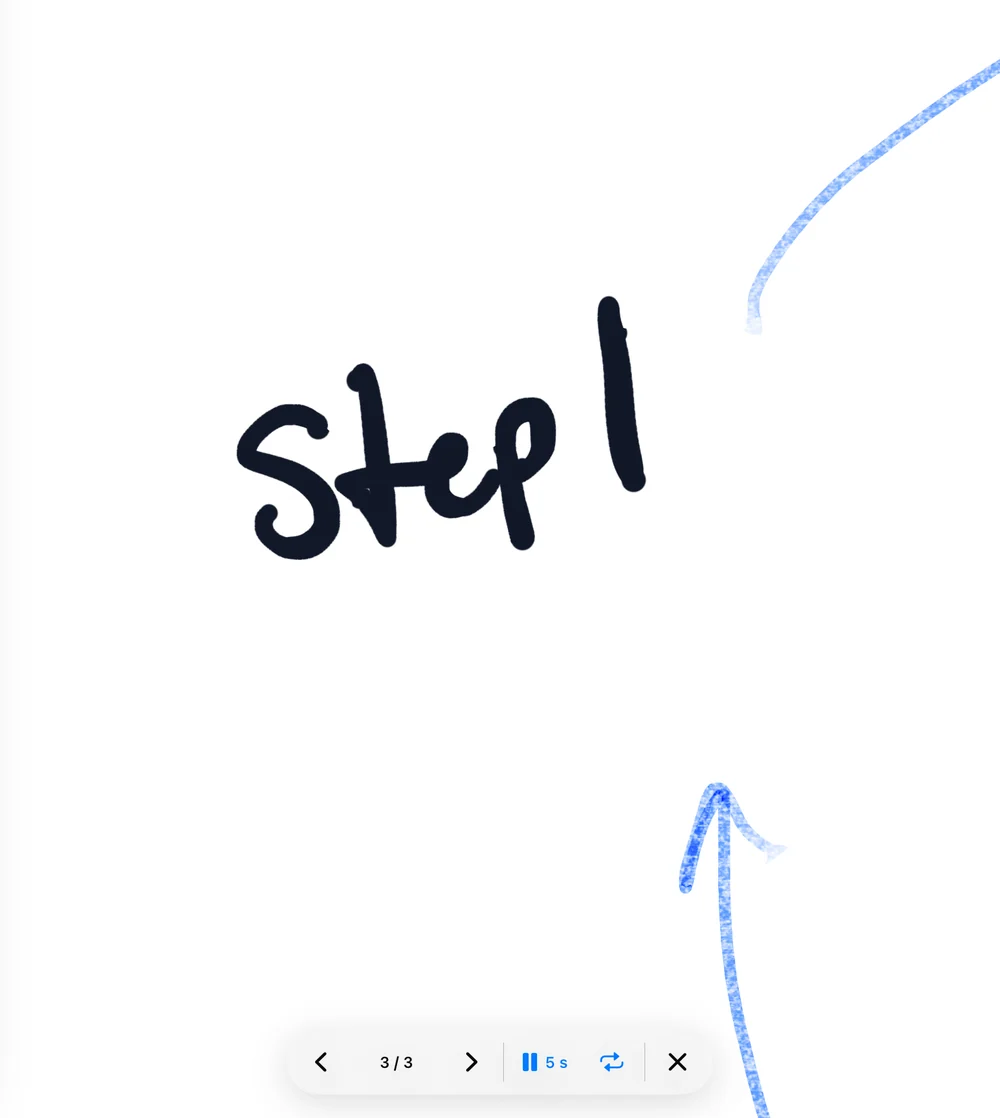
Turn your notes into a presentation
Bookmark the views you want to show, then play them back as slides that zoom smoothly from one to the next. Click through them yourself, or let them play on a timer and loop.
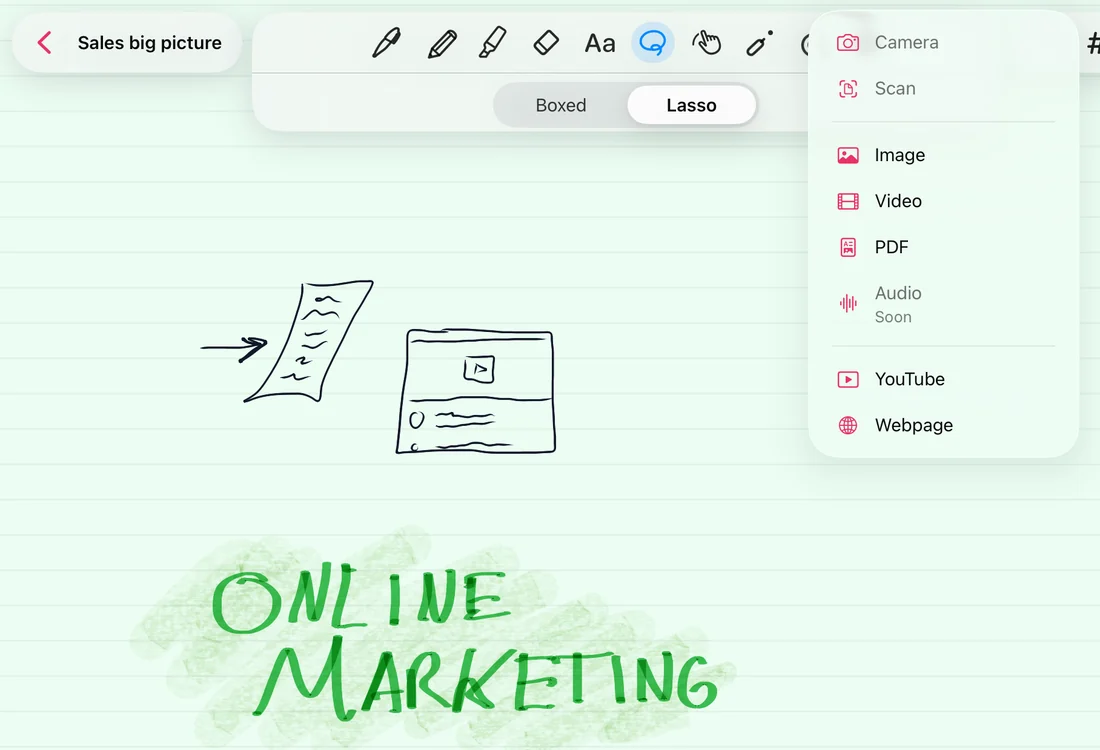
Your whole class, on one page
Scan handouts, import PDFs and write right on the pages, embed YouTube lectures, and clip webpages straight into your notes.
- Camera
- Scan
- Images
- Video
- YouTube
- Webpages
Connect the dots, your way
Link any idea to any other, nest subnotes as deep as you like, and find anything you wrote, even by hand.
Lasso it, then act
Circle part of a page to link it, move it, screenshot it, turn it into a flashcard, or ask AI about it.
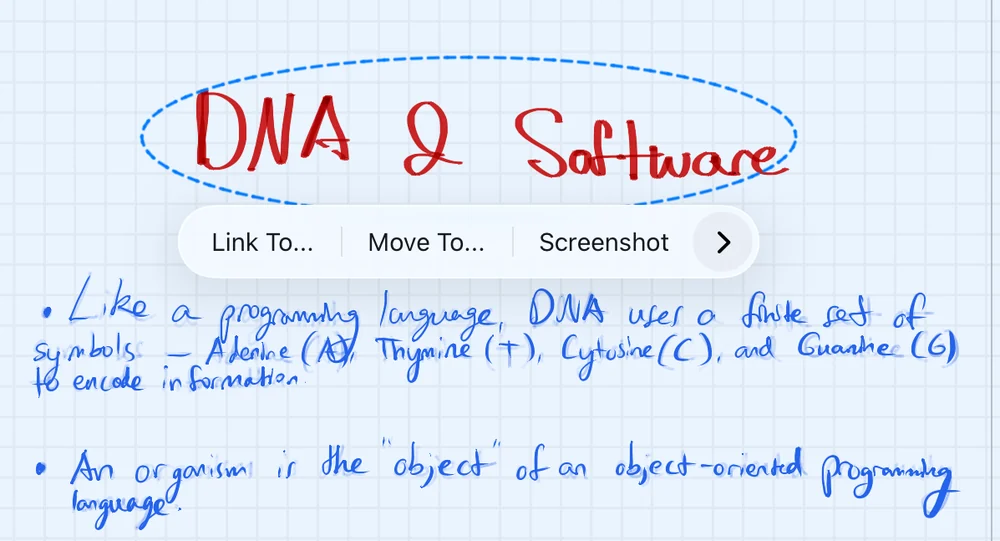
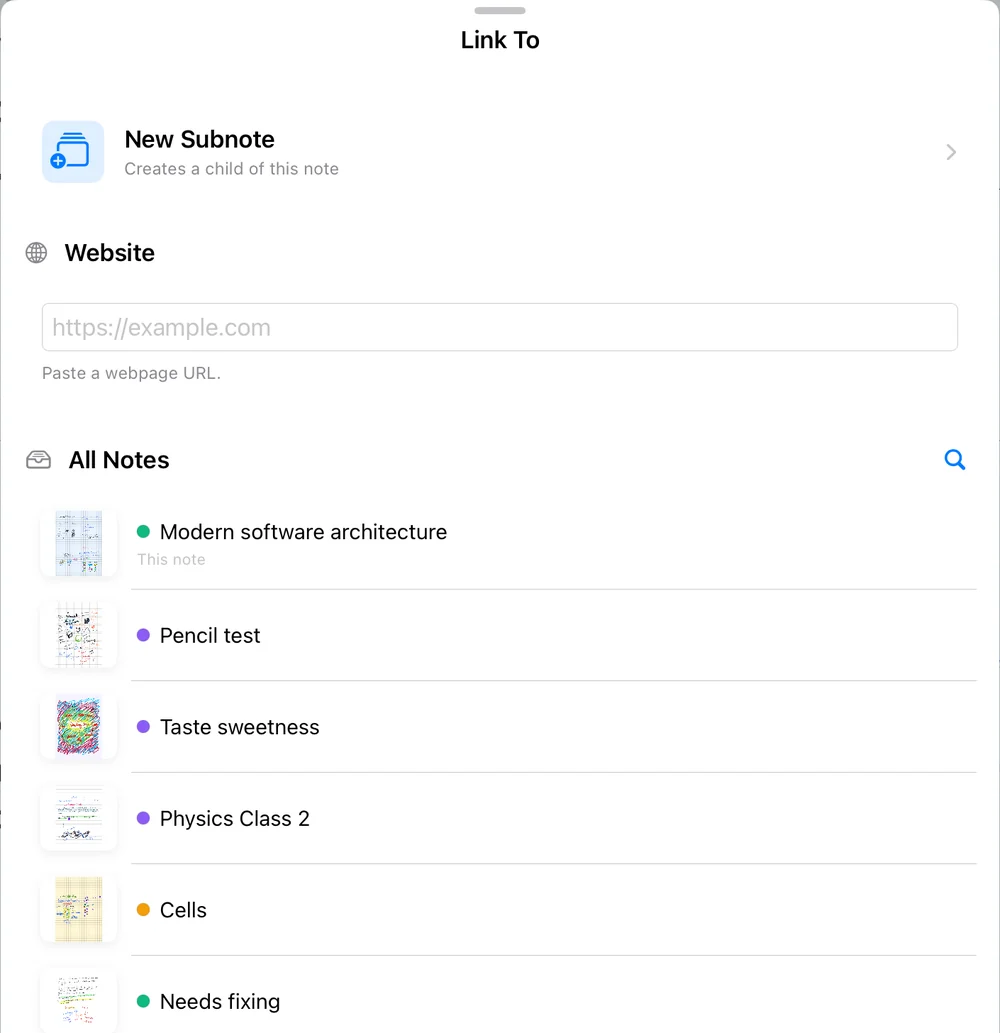
Link anything to anything
Point a selection at another note, a bookmarked spot, a website, or a brand new subnote.
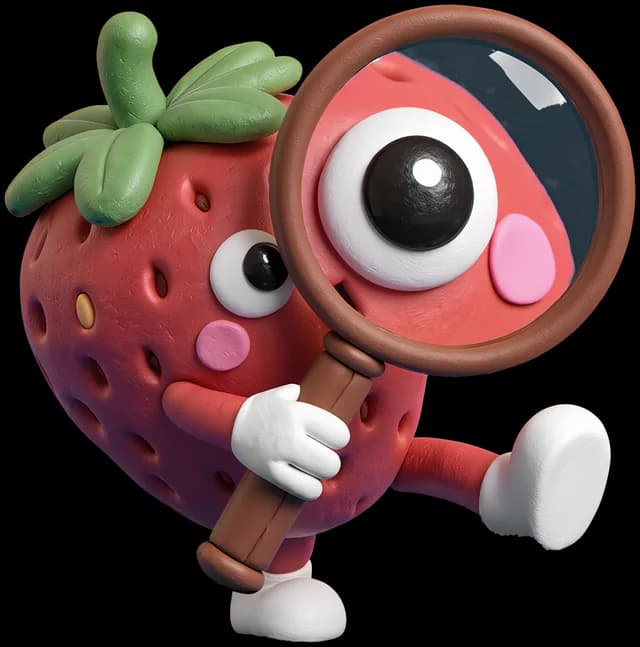
Search your handwriting
Recognition runs on your device, so words you scribbled weeks ago turn up in one tap, right where you wrote them.

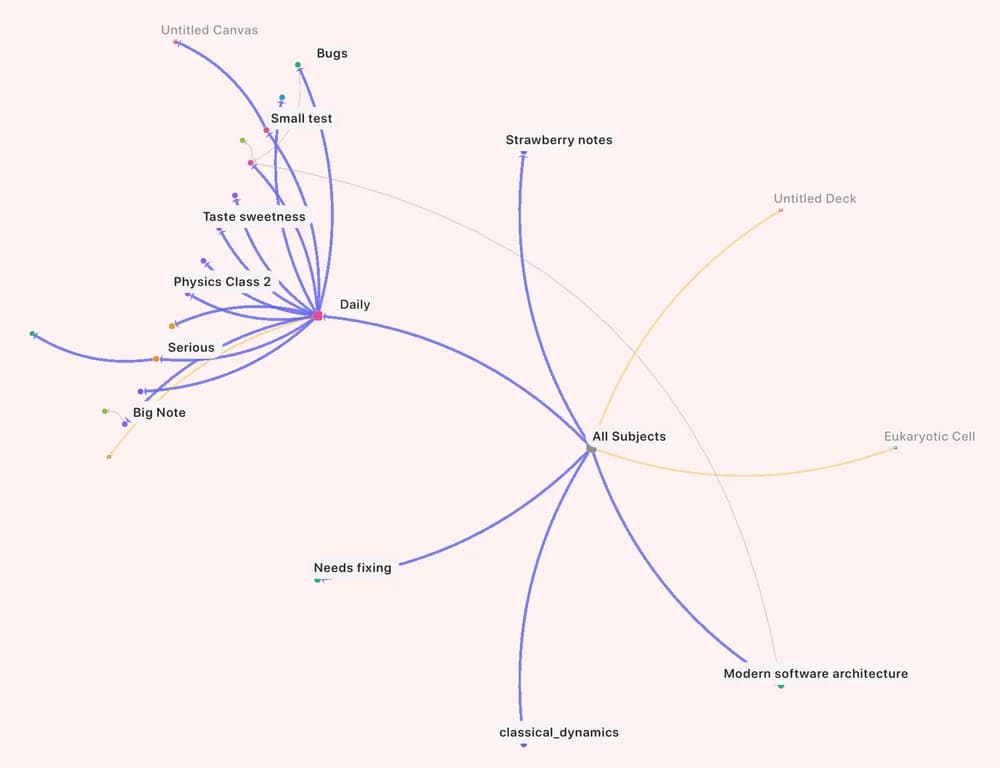
See the fruits of your organization
A live map of how your notes, tags, links, and flashcard decks connect, with filters to cut through the noise.
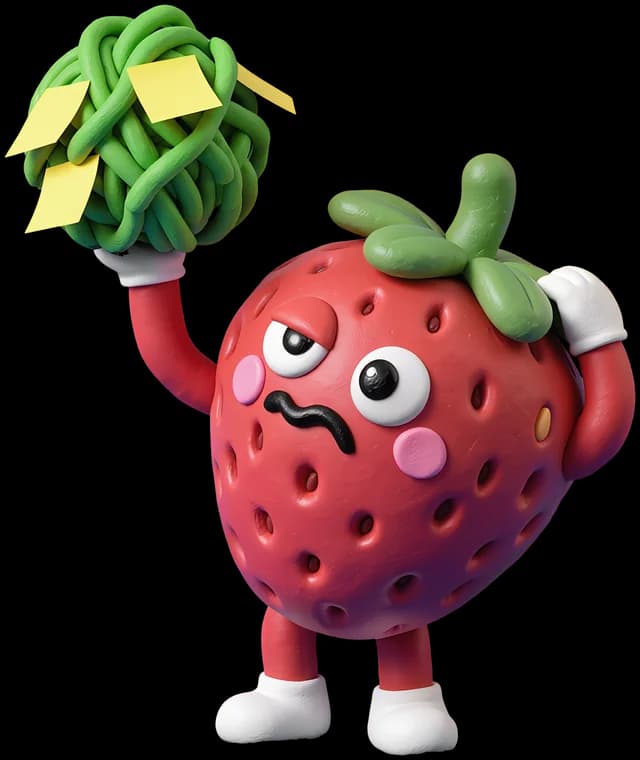
An AI tutor that understands your notes
Ask about what's on the page, handwriting and PDFs included. Answers point back to the part of the note they came from.
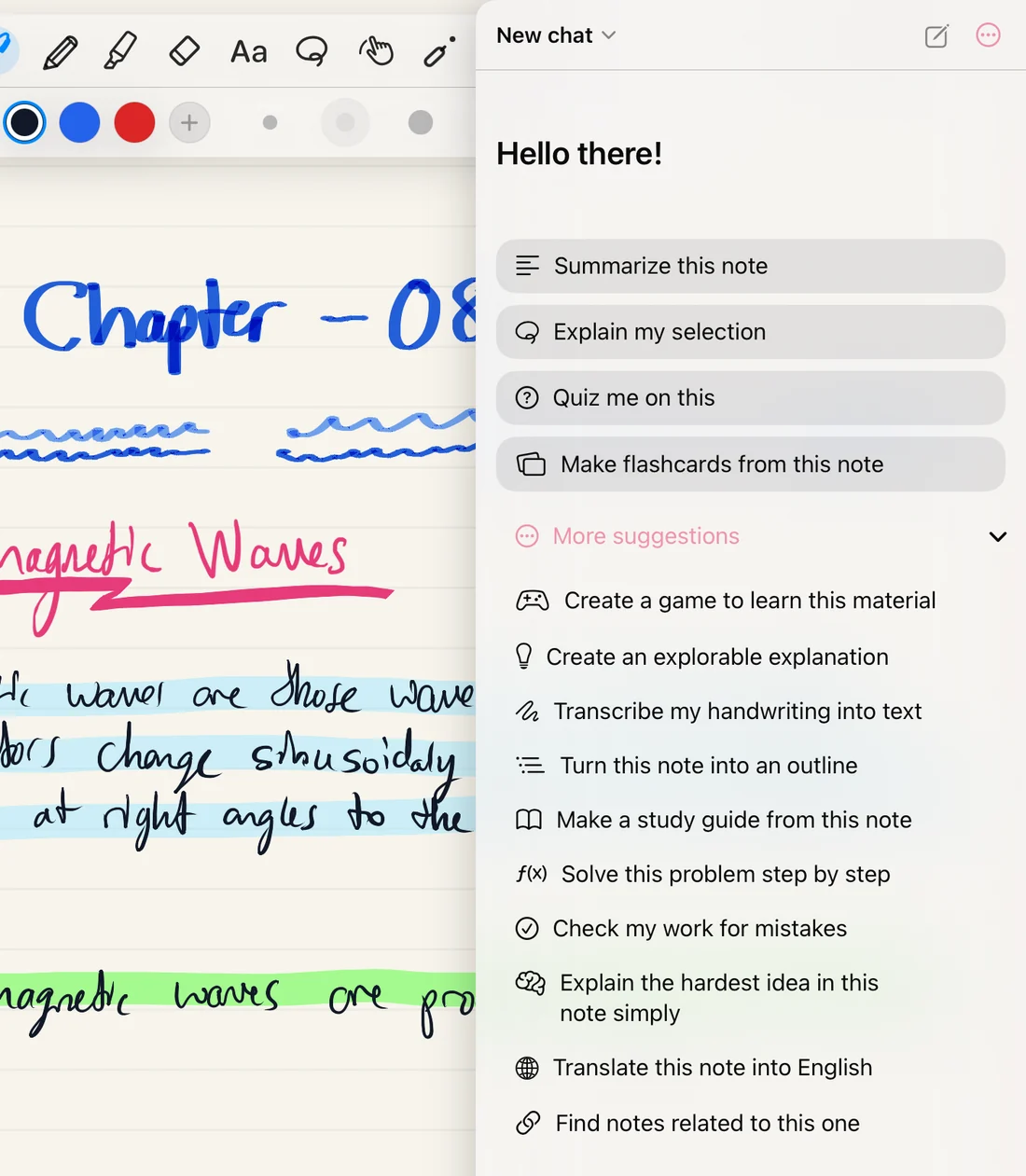
Try asking
- Summarize this note
- Explain my selection
- Quiz me on this
- Make flashcards from this note
- Create a game to learn this material
- Create an explorable explanation
- Transcribe my handwriting into text
- Make a study guide
- Solve this problem step by step
- Check my work for mistakes
- Translate this note
- Find notes related to this one
AI is optional. Sign in with Apple or Google for free starter credits and in-app top-ups, or skip signing in and use your own OpenRouter key.
Turn a note into a game
Ask for a game or an explorable explanation and AI builds one from your note in a couple of minutes. It stays pinned to the page and plays offline after that.
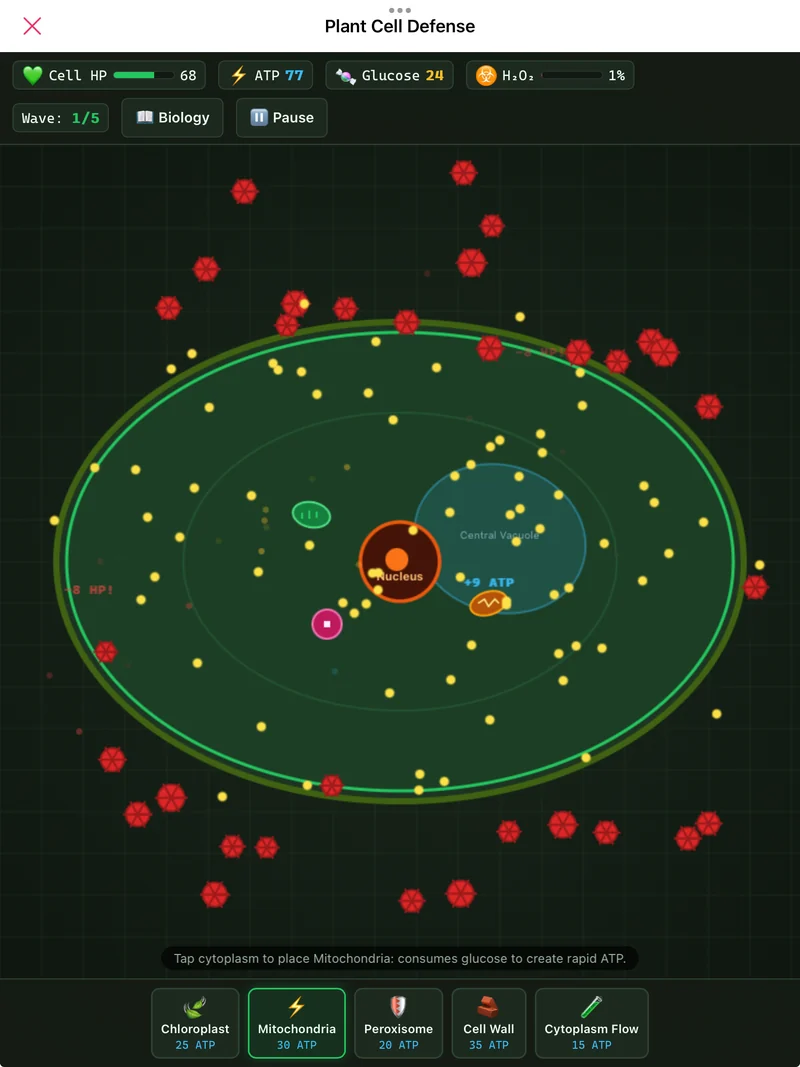
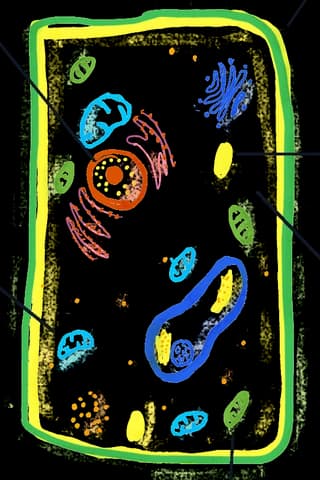
Plant Cell DefensePlace organelles to hold off invaders. 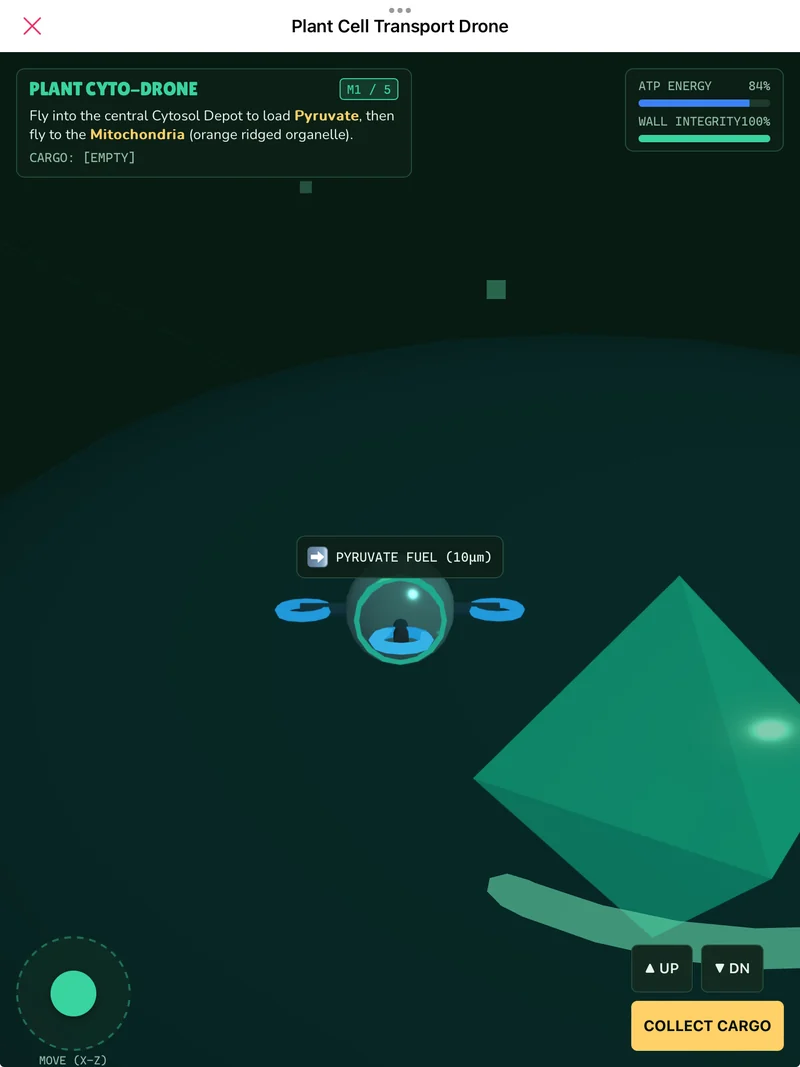
Transport DroneFly cargo through the cell to the mitochondria. 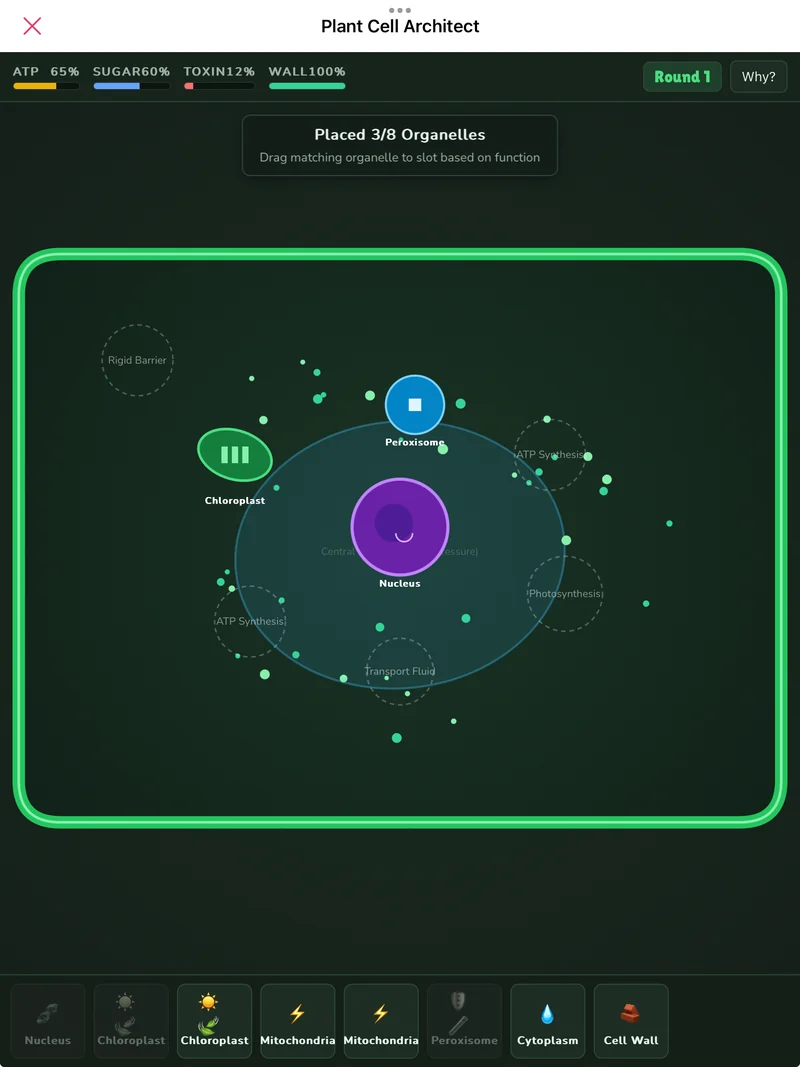
Plant Cell ArchitectMatch each organelle to the job it does. 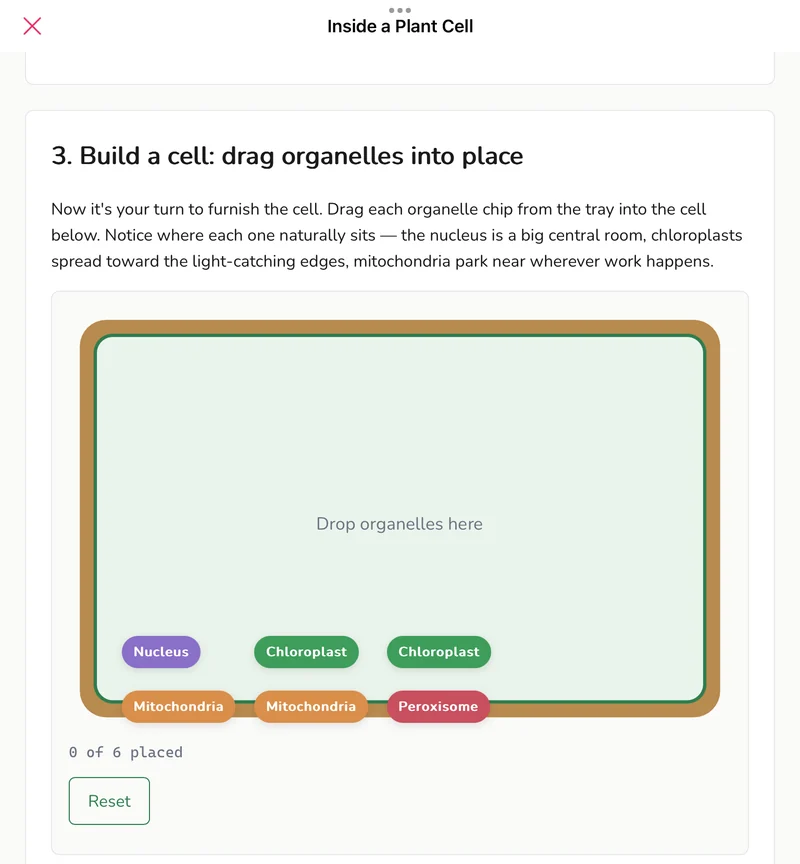
Inside a Plant CellAn explorable lesson you build by dragging. 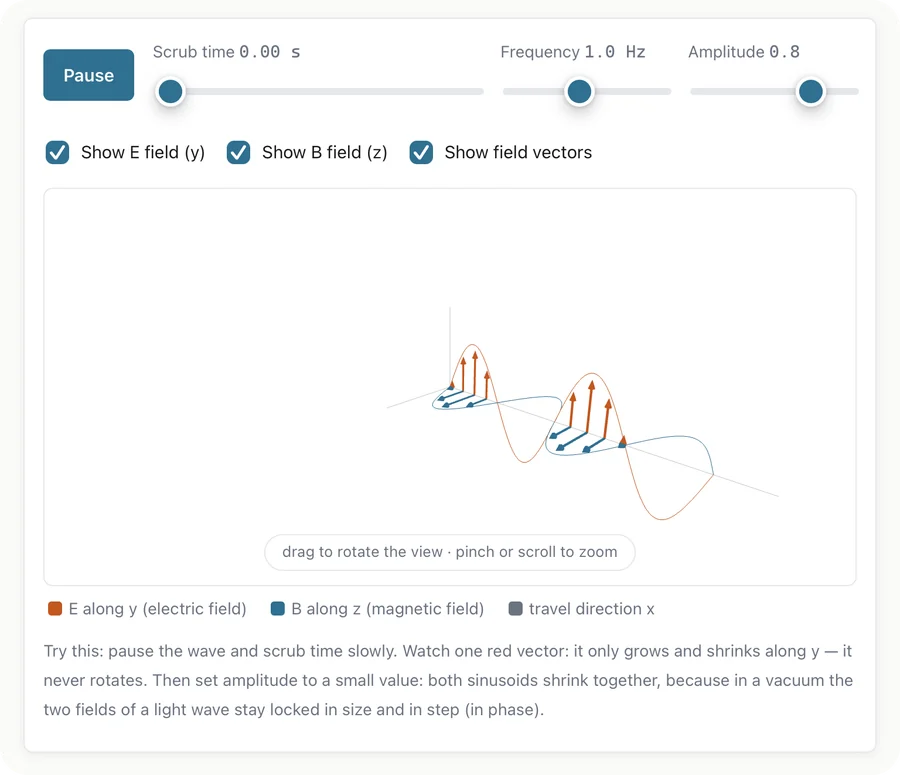
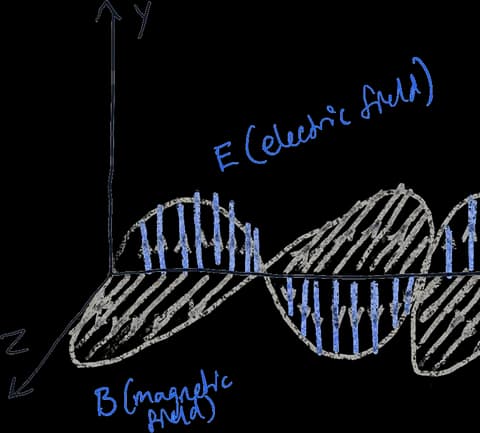
Electromagnetic WavesScrub time and watch both fields move in step. 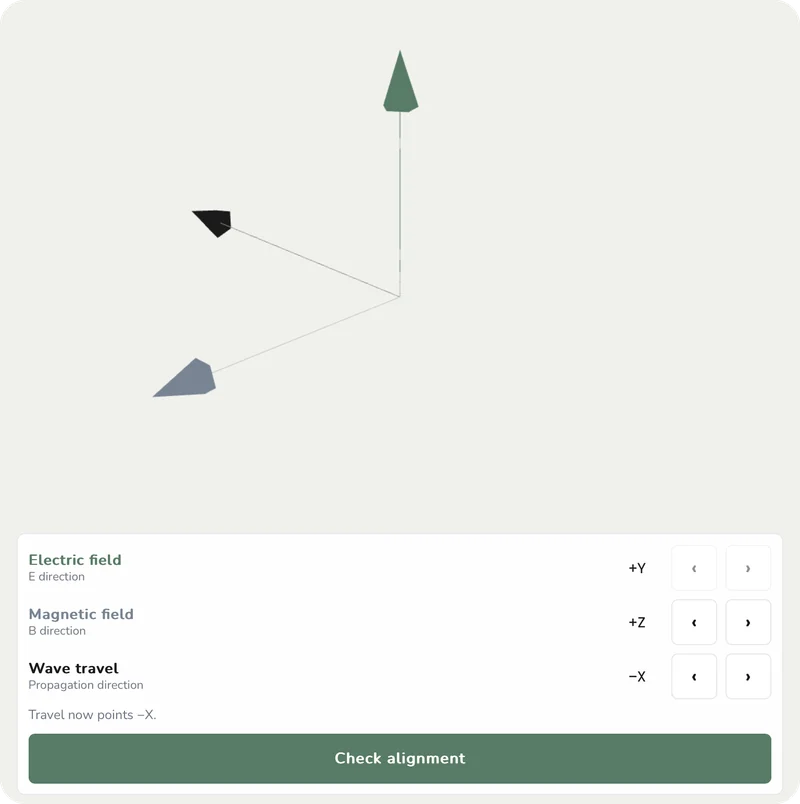
Field AlignmentLine up E, B, and the direction of travel.
Remember it on exam day
Flashcards and quizzes live next to the notes they came from, so studying starts where learning did.
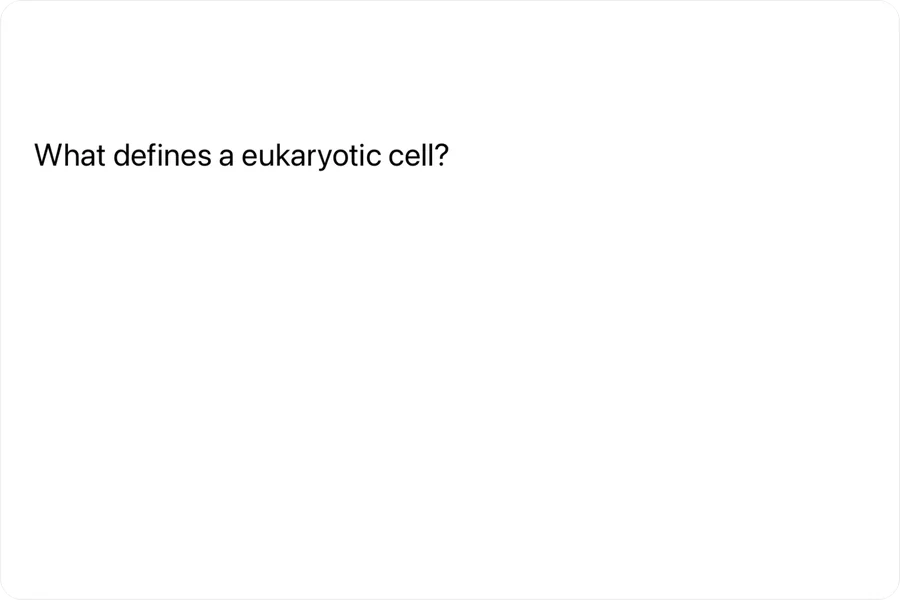
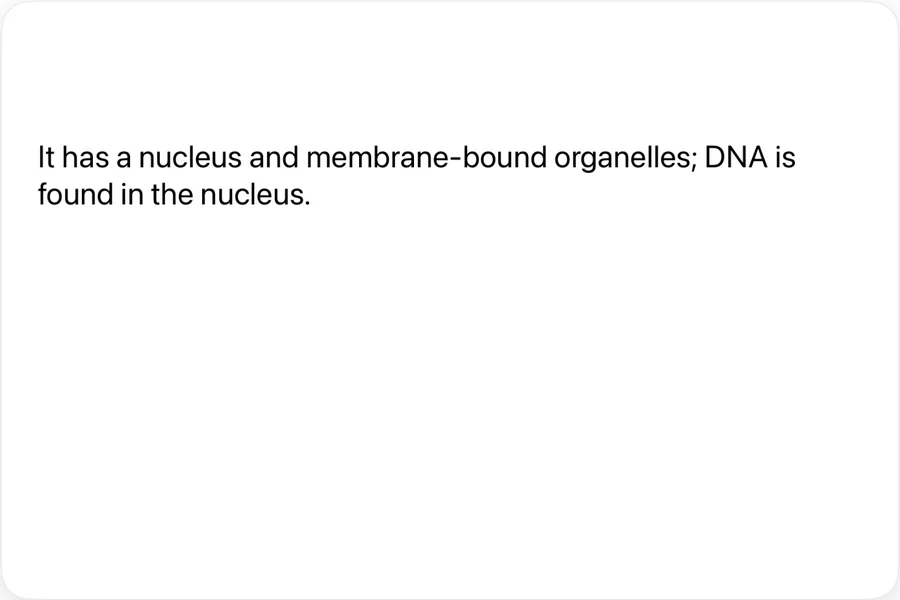


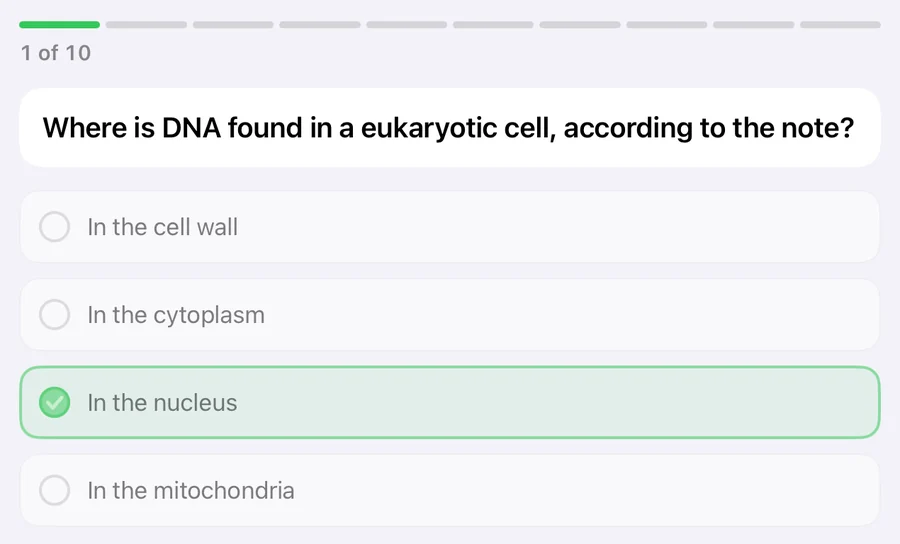
- Spaced repetition
- FSRS schedules every card so you review it right before you would forget.
- Cards from your notes
- Write them by hand or lasso part of a page. Tape turns any diagram into an occlusion card.
- Anki import
- Bring your .apkg decks along, images and audio included.
- AI quizzes
- Up to 40 questions from your note, each with an explanation.
Publish your notes, help others learn
Share your best notes, templates, and flashcard decks in Published Notes, right inside the app. Other students find them by tag and add a copy to their own library.
- Notes, templates, and flashcard decks
- Every submission is reviewed before it goes live
- Other students add a copy to their own library
- Update or unpublish it anytime
Your notes stay yours
Your library lives on your devices and in your own iCloud Drive. We can't read it.
Recognized on your device
Handwriting recognition and search, including finding similar ideas, run on your device. Your handwriting is never uploaded.
AI only with your consent
Nothing reaches an AI provider until you agree, and then only what your question needs. We don't store your chats.
Works offline
Everything is saved on your device first. No signal, no problem.
Synced and backed up
iCloud keeps your iPad and iPhone in step, and you can export your whole library as one file anytime.
A home for every class
Every subject, folder, and subnote gets its own notes, flashcards, and tasks, so each class keeps everything in one place.
- Biology
- Cells
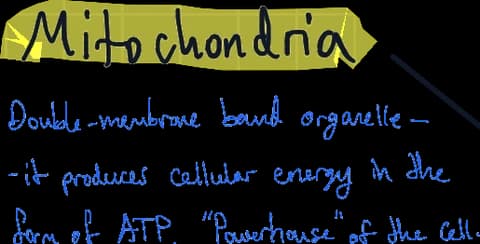
- Mitochondria
Tasks, built in
- A to-do list for every class, folder, and subnote
- Reminders, so nothing slips through
- Boards to group related tasks
- Check things off as you go
Docs and a calendar, too
- Typed documents with headings, lists, tables, and pictures
- Type “/” to add a drawing to a document
- A calendar with your events, tasks, and flashcard reviews
- Repeating events and alerts