Import Anki Decks
Already have decks in Anki? You don't have to start over. Import the .apkg file and keep studying in Strawberry Notes.
How to import a deck
- Save the .apkg (or .csv) file somewhere the Files app can reach, such as iCloud Drive or your iPad.
- In Strawberry Notes, open the Flashcards tab.
- Tap + New and choose Import.
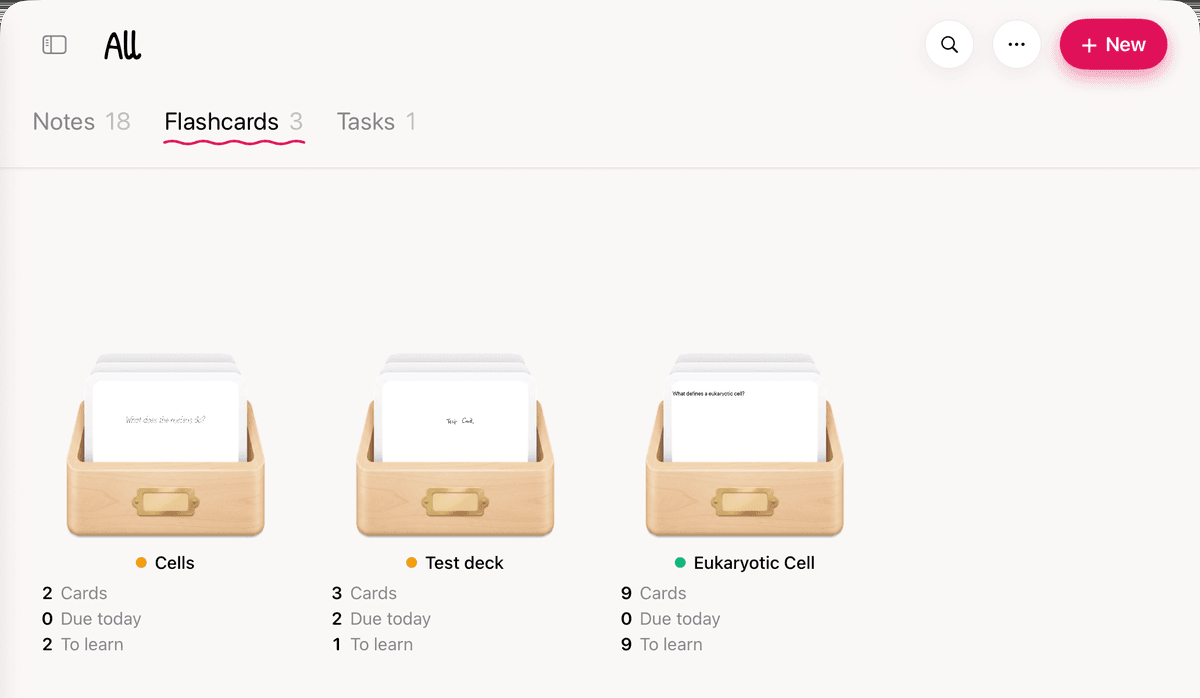
- Pick the file. A new deck appears in the list, named after the file.
Each import makes one new deck, and every card in the file goes into it. If the file holds several Anki decks, they end up together in that one deck.
What comes across
- Basic cards: the first field goes on the front, and the other fields go on the back.
- Reversed cards: the reverse card asks the second field and answers with the first.
- Cloze cards: you get one card per cloze number. The hidden words are covered with a strip of tape that lifts when you tap Show answer. Cloze hints aren't kept.
- Other note types are treated like Basic: first field on the front, the rest on the back.
- Pictures, sound and video used on your cards come with them. When you study, sound and video get play buttons on the card.
- Text arrives as typed text you can edit, move or write over. Anki's styling and card templates don't come across.
- Files from older and newer versions of Anki both work.
What starts fresh
Your review history and due dates aren't imported. Every card starts as a new card. New cards come in at your deck's New cards per day pace (20 to start), so a big deck takes a while to work through. You can change that in Deck Settings.
What stops an import
- Animated pictures, such as animated GIFs
- SVG pictures, and masks made with Anki's image occlusion add-on
- Sound or video in a format your device can't play
- A media file over 100 MB, more than 4 GB of media in all, or a picture over 64 megapixels
If a deck uses any of these, or a media file is missing or can't be read, the import stops, names the file, and adds nothing. Fix or remove that file in Anki, export again, and retry.
Import a CSV file
- One row per card: the front in the first column, the back in the second.
- A header row that starts with front, back is skipped.
- Only the first two columns go on the card. Rows with fewer than two columns are skipped.
- The cards are typed text, like imported Anki cards.
Free version
An import makes a new deck, and the free version includes one deck. If you already have one, importing another needs a subscription.