FSRS in Anki: What It Is and Should You Turn It On?
Heard FSRS can cut your Anki reviews but don't know what it changes? Here's what FSRS is, how to switch it on, and which settings matter.

Your Anki reviews keep piling up. Someone online says "just turn on FSRS", and now you're staring at a page of settings you don't understand. Will it mess up your decks?
FSRS is a newer scheduler for your flashcards, built into Anki since version 23.10. It estimates how likely you are to remember each card and brings it back right before you'd forget it. You turn it on in your deck options, pick a desired retention (90% is the default), and keep reviewing like before.
What is FSRS?
FSRS is one of the two schedulers Anki offers. The other is the older one, based on an algorithm called SM-2.
The Anki manual explains that FSRS keeps track of three things for every card:
- Retrievability: your chance of remembering the card right now. It drops a little every day.
- Stability: how many days it takes for that chance to fall from 100% to 90%.
- Difficulty: how hard the card is for you. Harder cards gain less stability each time you review them.
Every time you answer, FSRS updates those numbers and picks the next date.
What's the difference between FSRS and SM-2?
With SM-2, every card has an "ease" that goes up or down with the buttons you press.
FSRS doesn't use ease. You choose one number, your desired retention, and FSRS works out the gaps from your answers. According to the Anki manual, FSRS can reach the same retention as SM-2 with fewer reviews, and it does much better with cards you review late.
You trade fiddling with ease settings for one setting: how much you want to remember.
How do you turn on FSRS in Anki?
- Open the options for any deck.
- Scroll to the FSRS section at the bottom and switch it on. It applies to all your decks, not just this one.
- Leave desired retention at 90% to start.
- Once you have a few hundred reviews, press Optimize under FSRS parameters. It fits FSRS to your own review history.
One setting to watch: Reschedule cards on change is off by default, and the manual doesn't recommend it when you switch from SM-2. Leave it off.
Switching doesn't move any due dates. Your cards change over as you review them.
What desired retention should you pick?
Desired retention is the share of cards you want to remember when they're due. Start at 90%. Higher means more reviews every day. We worked through the real numbers (and why missing 1 card in 10 is normal) in spaced repetition for students.
Can you use FSRS with handwritten flashcards on iPad?
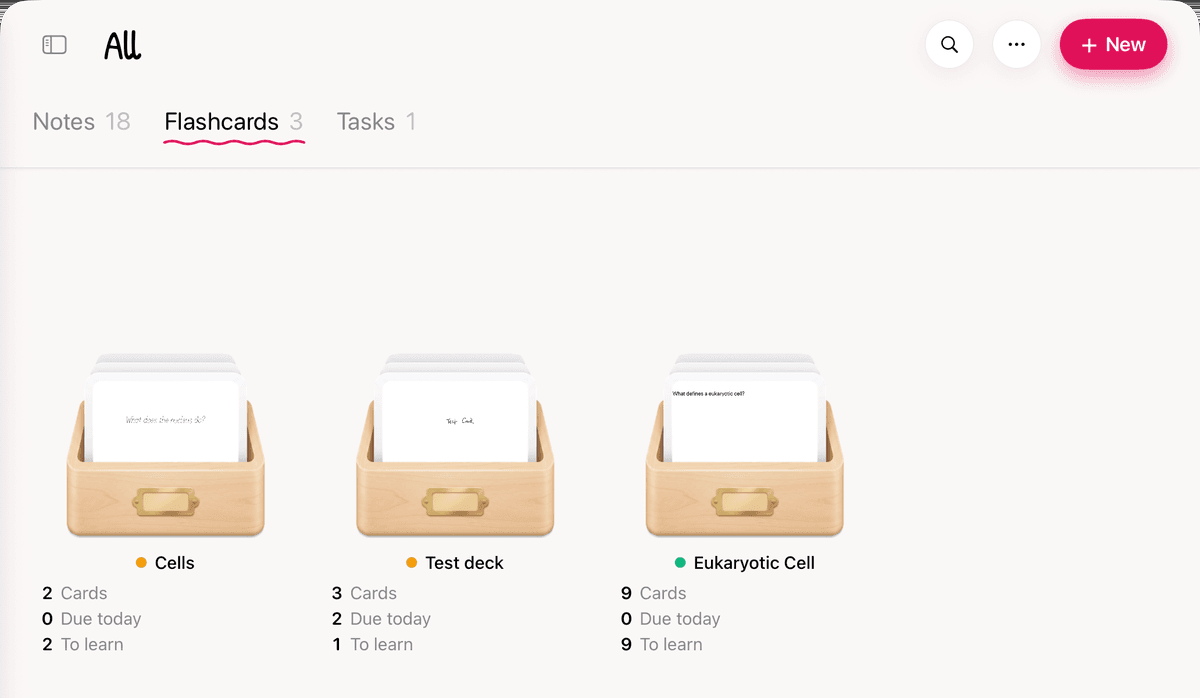
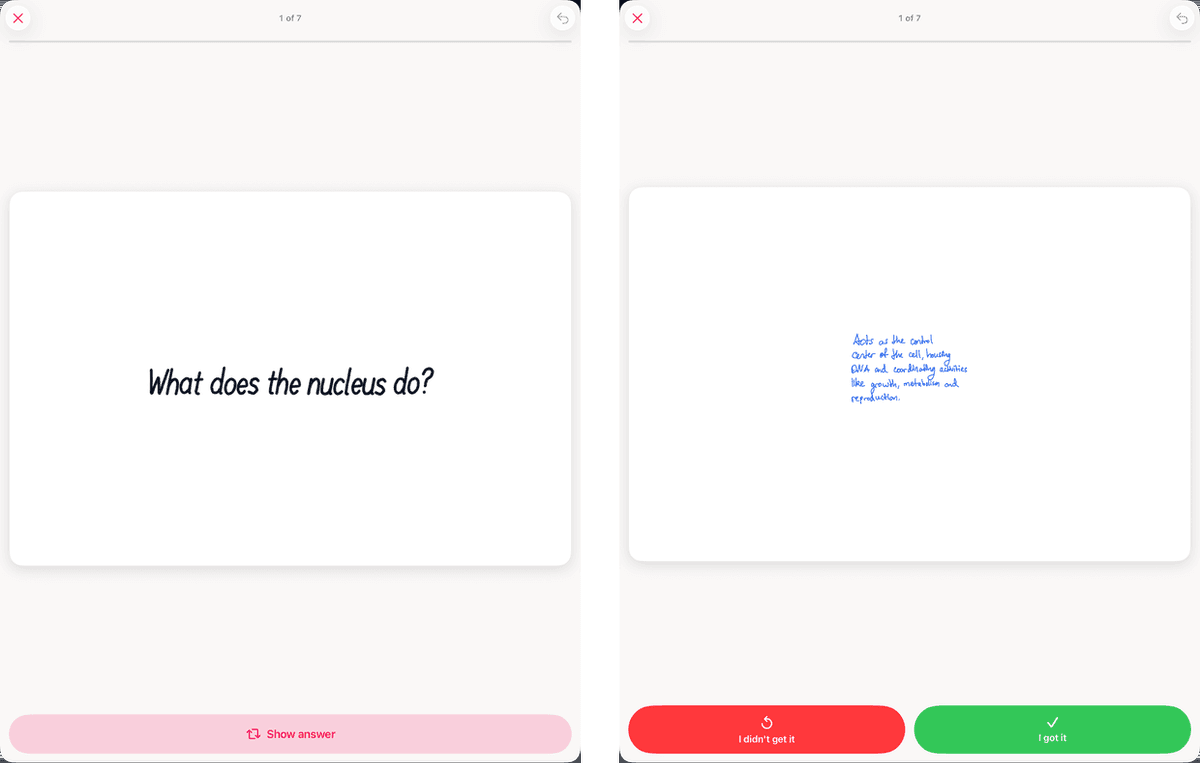
Yes. Strawberry Notes schedules every card with FSRS too, so the idea is the same: answer honestly and the app picks the dates. The difference is the cards: you write new ones with Apple Pencil, or lasso part of your handwritten notes and turn it into a card. Imported cards keep their text, and you can write on them.
Already have Anki decks? Bring them with you. Save the .apkg file to Files, open the Flashcards tab, tap + New → Import, and pick the file.
Good to know before you switch:
- Basic and reversed cards come across as front and back, and each cloze becomes its own card, with tape over the hidden words.
- Pictures, sound and video come with your cards.
- Your review history doesn't come with them. Every card starts as new, at your deck's New cards per day pace, so raise it in Deck Settings if you want to move faster.
- Strawberry Notes uses FSRS's standard settings. There's no Optimize button that fits them to your history.
- Each deck has its own Desired retention (70% to 97%). Under Settings → Flashcards, the Rating scale gives you two, three or four buttons.
The full list is in Import Anki Decks.