The Feynman Technique for Studying (Step by Step)
You read it three times and it made sense. Then someone asked you to explain it. Here's how the Feynman technique finds the gaps, on paper or on iPad.
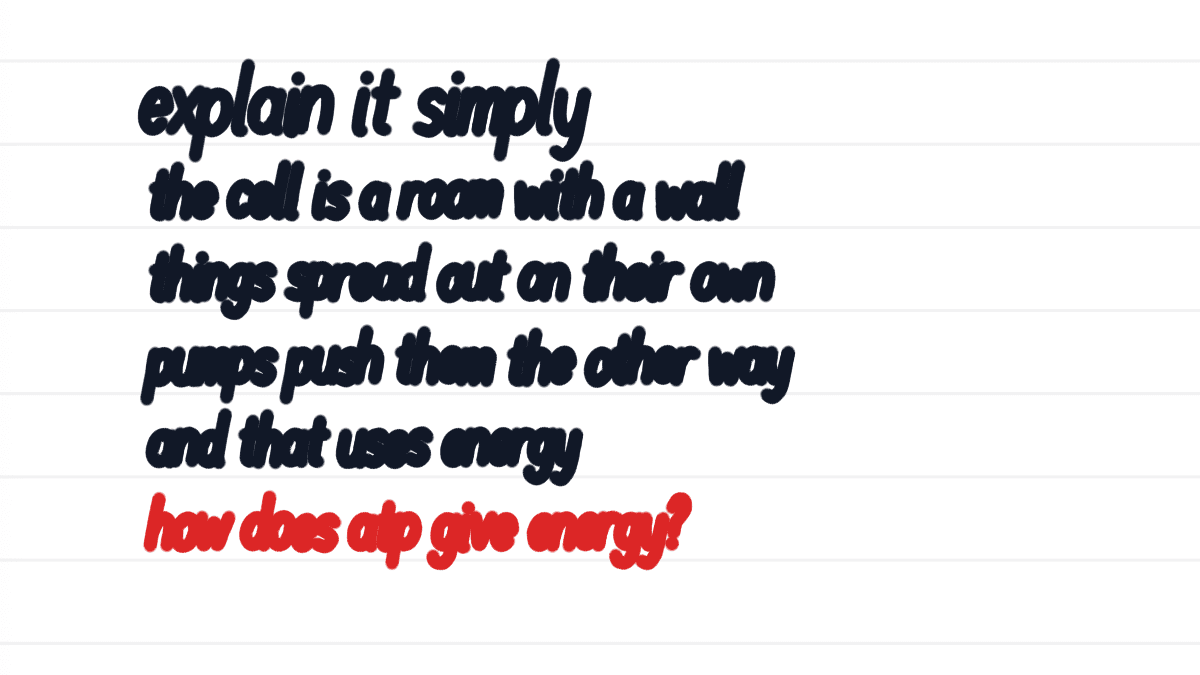
You read the chapter. You read it again. It all makes sense! Then a friend asks, "So how does it work?" and you open your mouth and... nothing comes out.
The Feynman technique fixes that. Pick one idea, explain it on a blank page in words a kid would understand, circle every spot where you get stuck, go back to your notes for just those spots, and try again. Where you get stuck shows you exactly what to study.
What is the Feynman technique?
It's a way to check whether you really understand something, named after the physicist Richard Feynman. The idea is simple: if you can't explain it in plain words, you don't know it yet.
Most guides break it into four steps:
- Pick one idea. Write its name at the top of a blank page.
- Explain it simply. Write it as if you're teaching a 10-year-old. No textbook words.
- Find the gaps. Every place you get stuck, hand-wave, or fall back on jargon is a gap. Go back to your notes for those parts only.
- Simplify and repeat. Rewrite the explanation until it's short and clear.
Why does explaining work so well?
Because feeling like you understand something and actually understanding it are two very different things.
In a 2002 study at Yale, Leonid Rozenblit and Frank Keil asked people how well they understood everyday things like a zipper, a flush toilet and a speedometer. People rated themselves pretty high. Then they had to write out, step by step, how each one works. Their ratings dropped, and many were surprised by how little they knew. The researchers called it the "illusion of explanatory depth."
Rereading your notes gives you that same comfy feeling. Writing the explanation is what shows you the truth.
How do you use the Feynman technique to study?
Here's how it works in Strawberry Notes on iPad:
- Open a blank page and write the idea at the top. Don't look at your notes yet.
- Write your plain-words explanation underneath. Short lines are fine.
- The moment you get stuck, switch your pen to red and write the question you couldn't answer. Then keep going.
- Now open your notes beside the page: drag the note from the sidebar onto the left or right edge of the screen to see both side by side.
- Answer every red question from your notes, then rewrite the explanation without looking.
Do one idea at a time. If you try to explain a whole chapter in one go, you'll write a summary instead of an explanation.
Can AI check your explanation?
Yes, and it's a great second step once you've written your own version first.
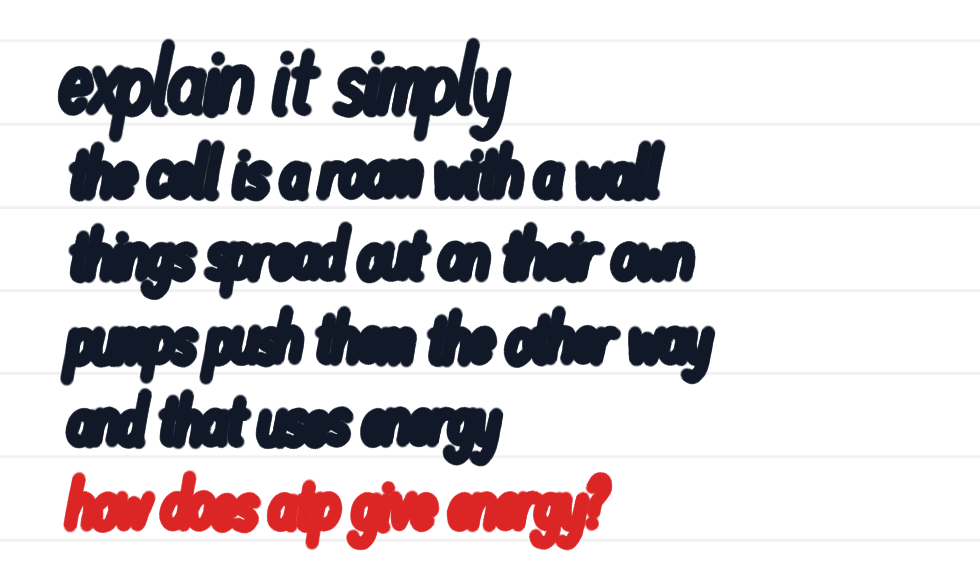
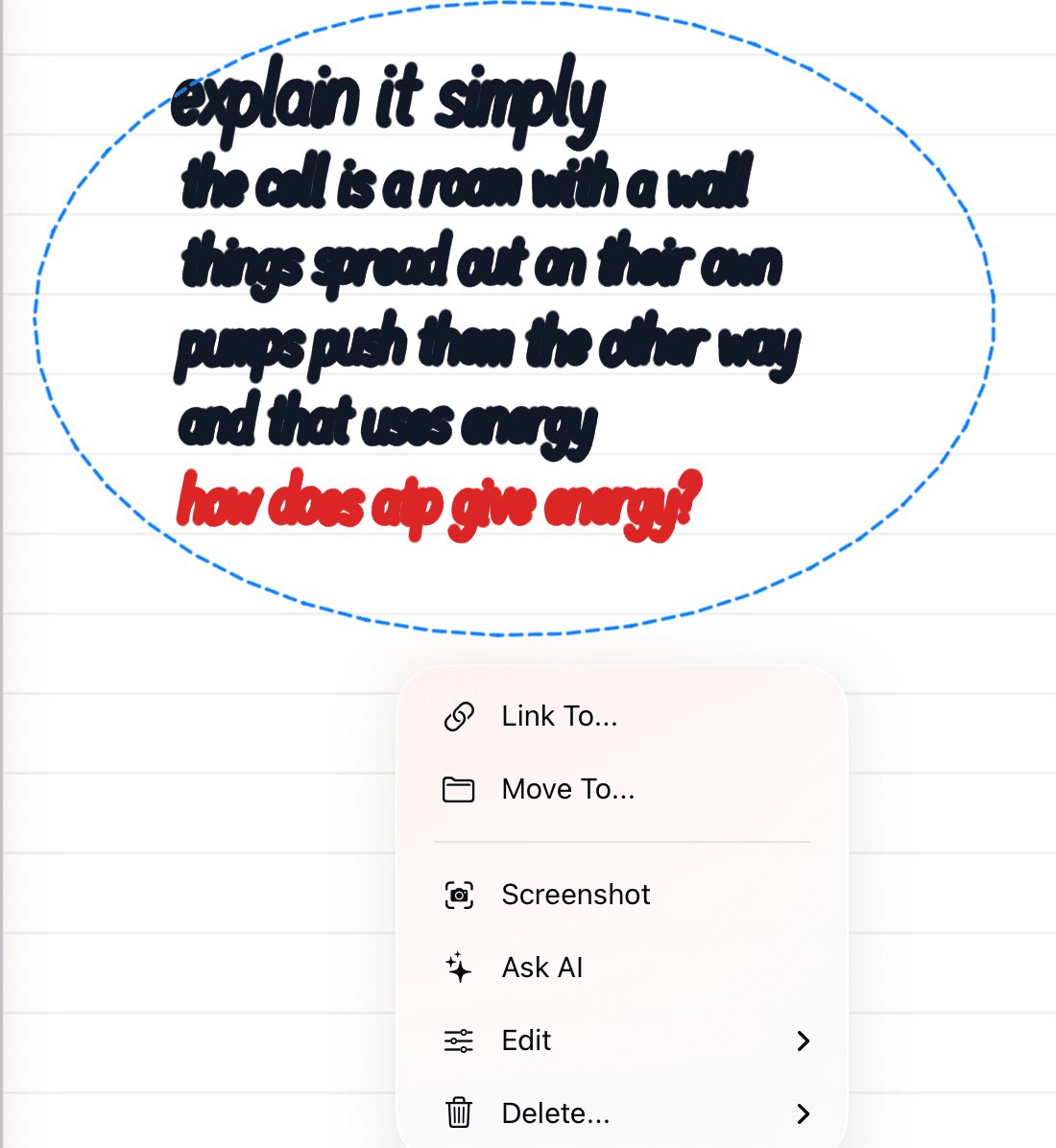
Lasso your explanation, tap the selection, and choose Ask AI. In the chat, tap More suggestions and pick Check my work for mistakes, or type your own question, like "What did I get wrong or leave out?" Then send it. The assistant looks at the part you lassoed, so it reads your handwriting.
Still stuck on a red question? Open the AI chat on your notes and try Explain the hardest idea in this note simply. Then close the chat and write the explanation again in your own words. Reading the AI's version isn't the test. Writing yours is.
AI uses credits (you get free starter credits when you sign in with Apple or Google) or your own OpenRouter key.
How do you make it stick?
Once your explanation is right, don't let it fade. Turn the tricky parts into flashcards: lasso the answer to a red question, tap the selection, and choose Edit → Create Flashcard. Write the red question on the front. The app brings it back on a schedule: sooner if you miss it, later once you know it. That's spaced repetition.
A few days later, try the blank page again without your notes. If it comes out clean, you know it. For more ways to test yourself, see active recall vs. rereading and how to make a study guide from your notes.