How to Make a Study Guide From Your Notes
Spent hours copying your notes out neatly and still don't know them? Here's how to make a study guide that quizzes you, by hand or with AI.
Exam next week, and you're three hours into copying your notes out neatly? Stop! A good study guide isn't a prettier copy of your notes. It's a list of questions you can answer from memory. List what's on the exam, write down everything you remember, then check your notes and write a question for each thing you forgot (the long, but sure way). Or let AI make one from your notes.
What should a study guide have in it?
Only four things:
- The topics on the exam. Check the syllabus, the review sheet, and anything your professor said "will be on the test".
- A question for every idea, in the same style as the exam: multiple choice, short answer, or a diagram to label.
- The terms and formulas you have to know cold.
- The mistakes you keep making. These deserve the most space.
Ohio State's Dennis Learning Center gives the same advice: find out what the exam covers, then turn each topic into a question in the format you'll see on the test.
If it doesn't ask you anything, it's just your notes again.
The long but sure way: make a study guide with the blurting method
Give yourself one evening per exam. In Strawberry Notes:
- In your subject (say, Biology) or the folder for that class, tap + New → Notebook and name it after the exam. Lined paper is under ••• → Background if you like lines.
- List the topics down the page. Leave space under each one.
- Close your notes. Under each topic, write everything you can remember. Messy is fine. That's the blurting method: you "blurt" it all onto the page.
- Now open your notes next to it. On iPad, drag the note from the sidebar to the edge of the screen and it opens side by side. Switch your pen to red and fill in everything you missed or got wrong.
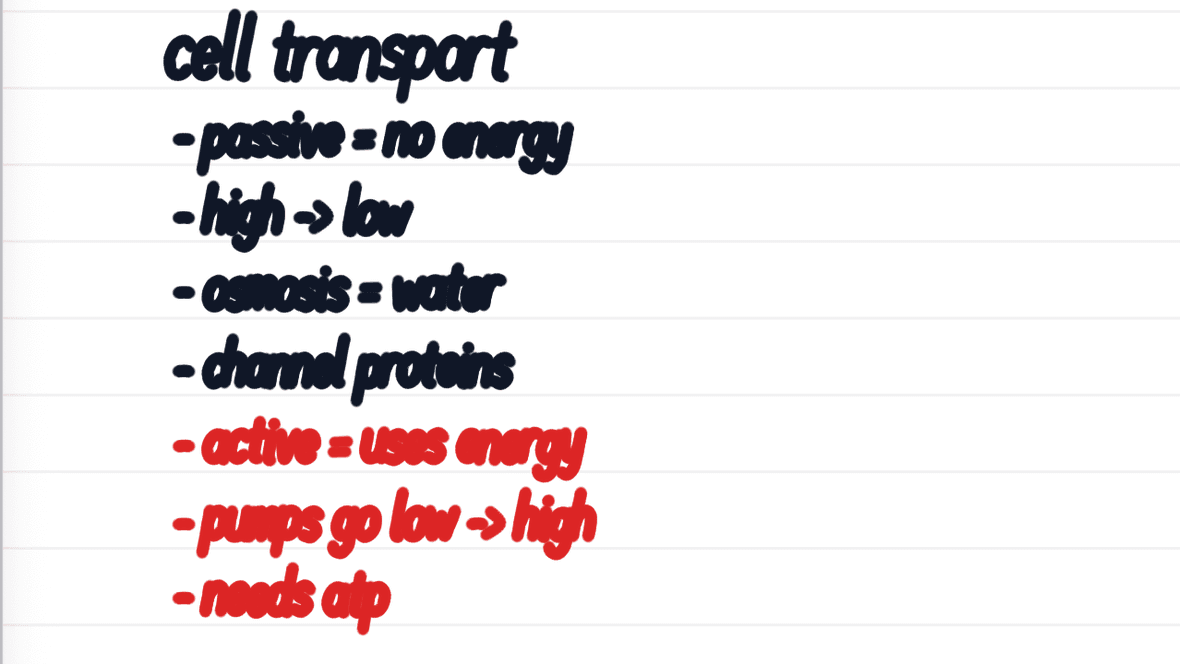
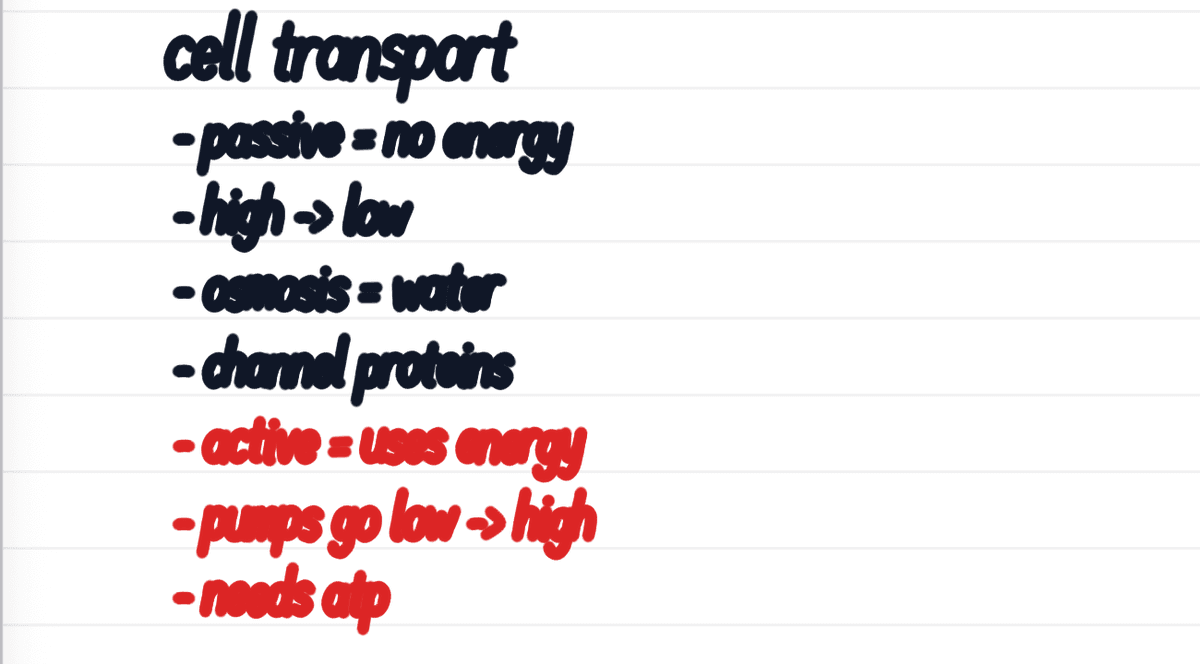
- For each red line, write a question you'd have to answer without looking. "Active transport = uses energy" becomes "What does active transport need?"
Your questions about the red lines are your study guide. Red is exactly what you don't know yet, so that's where your time should go. Everything in black, you already know.
The quick way: make a study guide with AI
Short on time, or staring at a 40-page PDF chapter? Let AI do the first draft.
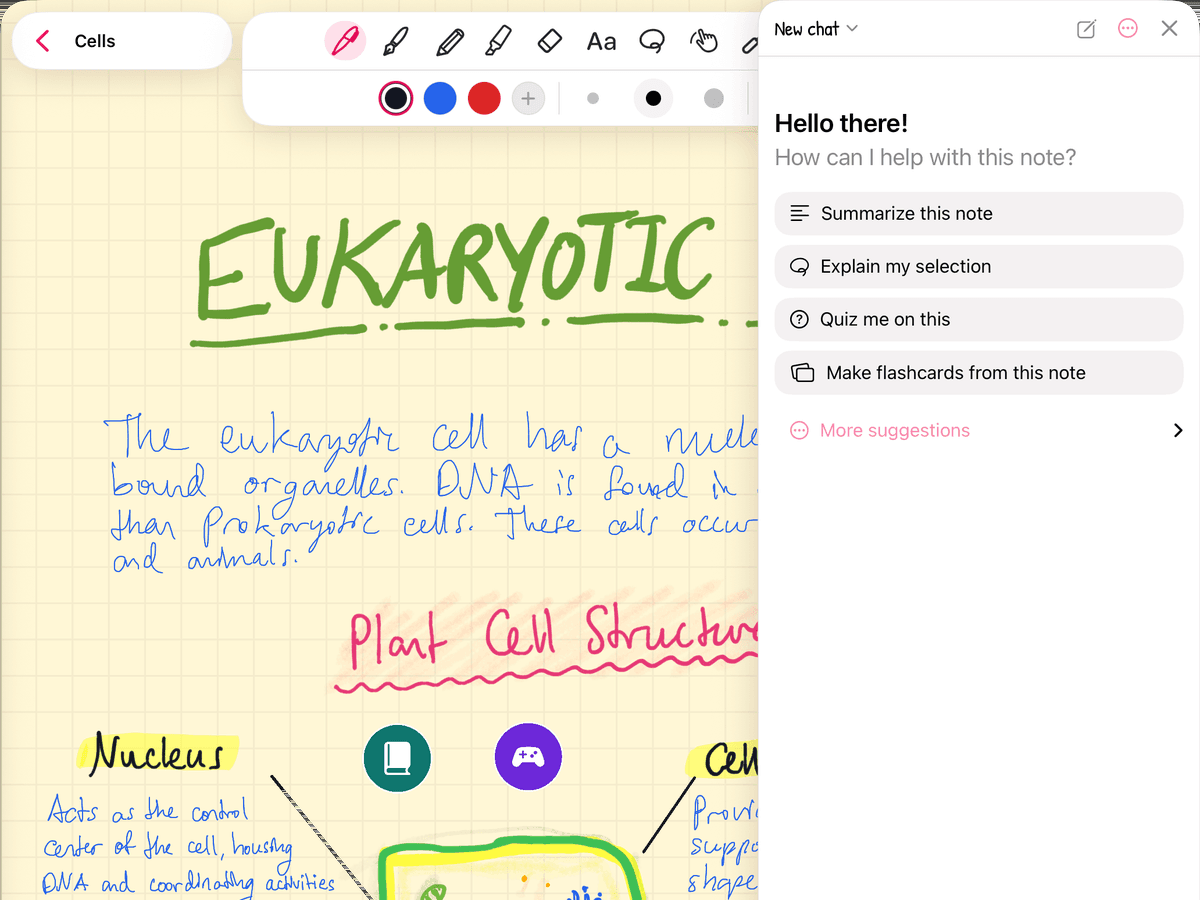
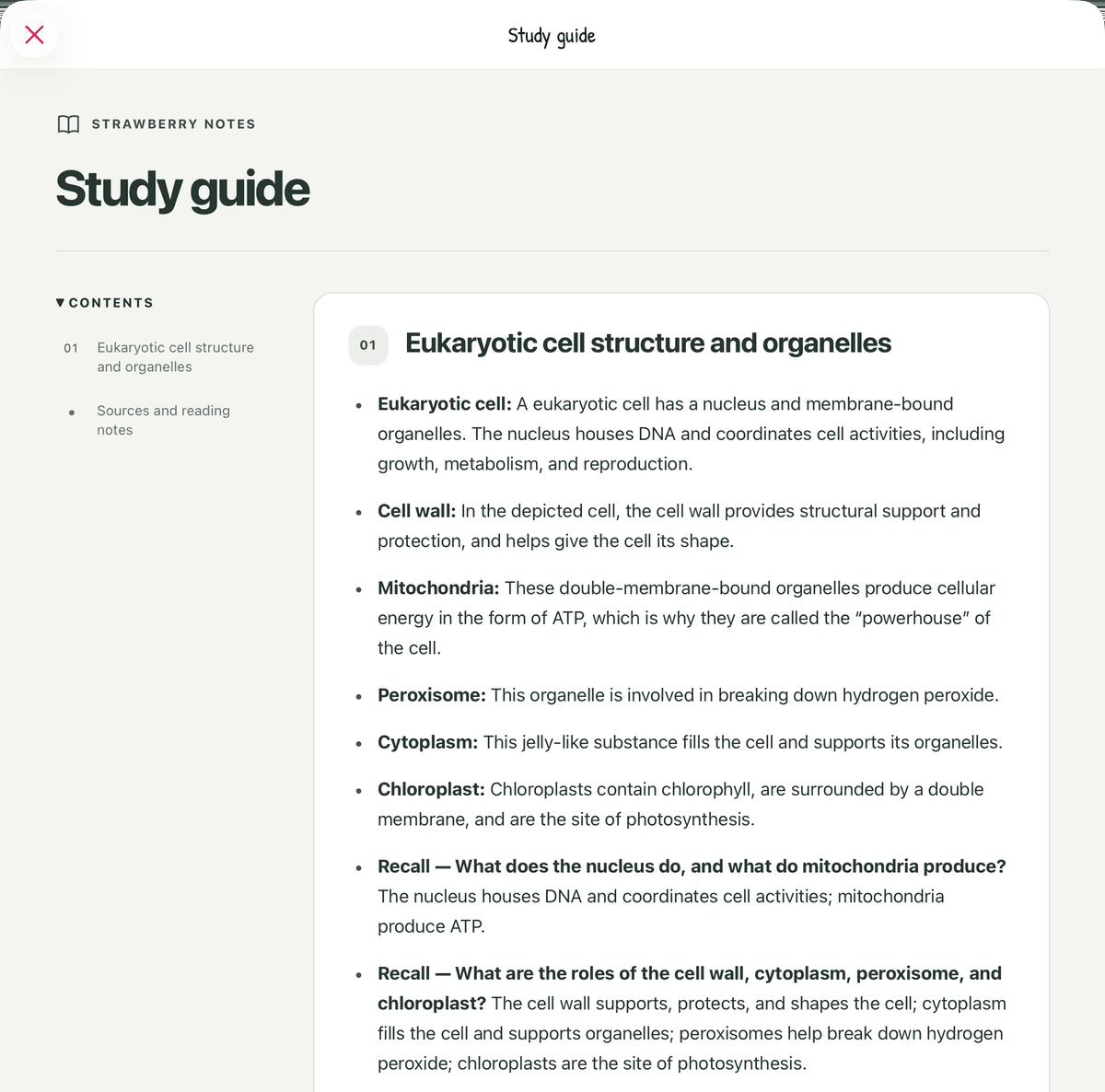
Open the note (handwritten notes, imported slides and PDFs all work), tap the sparkle button, open More suggestions, choose Make a study guide from this note, and send it. The AI reads your handwriting and diagrams and writes the key ideas as bullets and questions to test yourself with, answers included. It even works on long PDFs, a whole textbook chapter at a time.
The guide is saved on your note as a little teal book button, so you can tap it and open it again any time.
Read it next to your notes before you study. AI can miss the one example your professor kept coming back to. AI uses credits (you get free starter credits when you sign in with Apple or Google) or your own OpenRouter key.
How do you use a study guide?
Test yourself with it, again and again. That's what the research says works. In 2013, psychologists led by John Dunlosky reviewed ten common study techniques. Only two got their top rating: taking practice tests and spreading your study out over time. Rereading and underlining scored low.
So:
- Made it by hand? Cover the answers in your notes: lay the Tape tool over each one, say it out loud, then tap the tape to peek.
- Made it with AI? Read each question in the guide and answer it out loud before you read its answer.
- Take a practice test. In the AI chat, tap Quiz me on this and it writes a quiz from your notes. Afterwards, Retry missed asks you only the ones you got wrong.
- Make flashcards from the questions you keep missing. Lasso the answer in your notes, tap Edit → Create Flashcard, and the app schedules every card for you. Here's how to turn handwritten notes into flashcards.
- Do a little every day in the week before the exam. That's the "spreading it out" part.
More on why this works: active recall vs. rereading and spaced repetition for students. Notes all over the place? Start with how to turn messy notes into a study plan.