How to Study for a Math Test
Math tests ask problems that look different from your homework. Here's how to study for a math test by learning why the rules work, with AI on iPad.
The hardest question on a math test is usually one that looks different from anything you practiced. You can only solve it if you know why the method works, not just the steps. Learn the why behind each rule, and the strange problems start looking familiar. Here's how a made-up student named Maya figured that out, and how you can too!
Why does the test always have that one weird problem?
Maya could do every homework problem on quadratics. Move this, flip that sign, plug it in, done. Then test day came, and question seven gave her the answer and asked her to find the equation. Backwards! Her mind went blank.
Her steps only worked on the shape of problem she'd memorized. She knew *what* to do, but not *why* it worked, so a twist left her with nothing to hold on to.
A new-looking problem usually uses the same idea you already learned. You can only see that if you know why the method works.
How do you study for a math test when the questions are new?
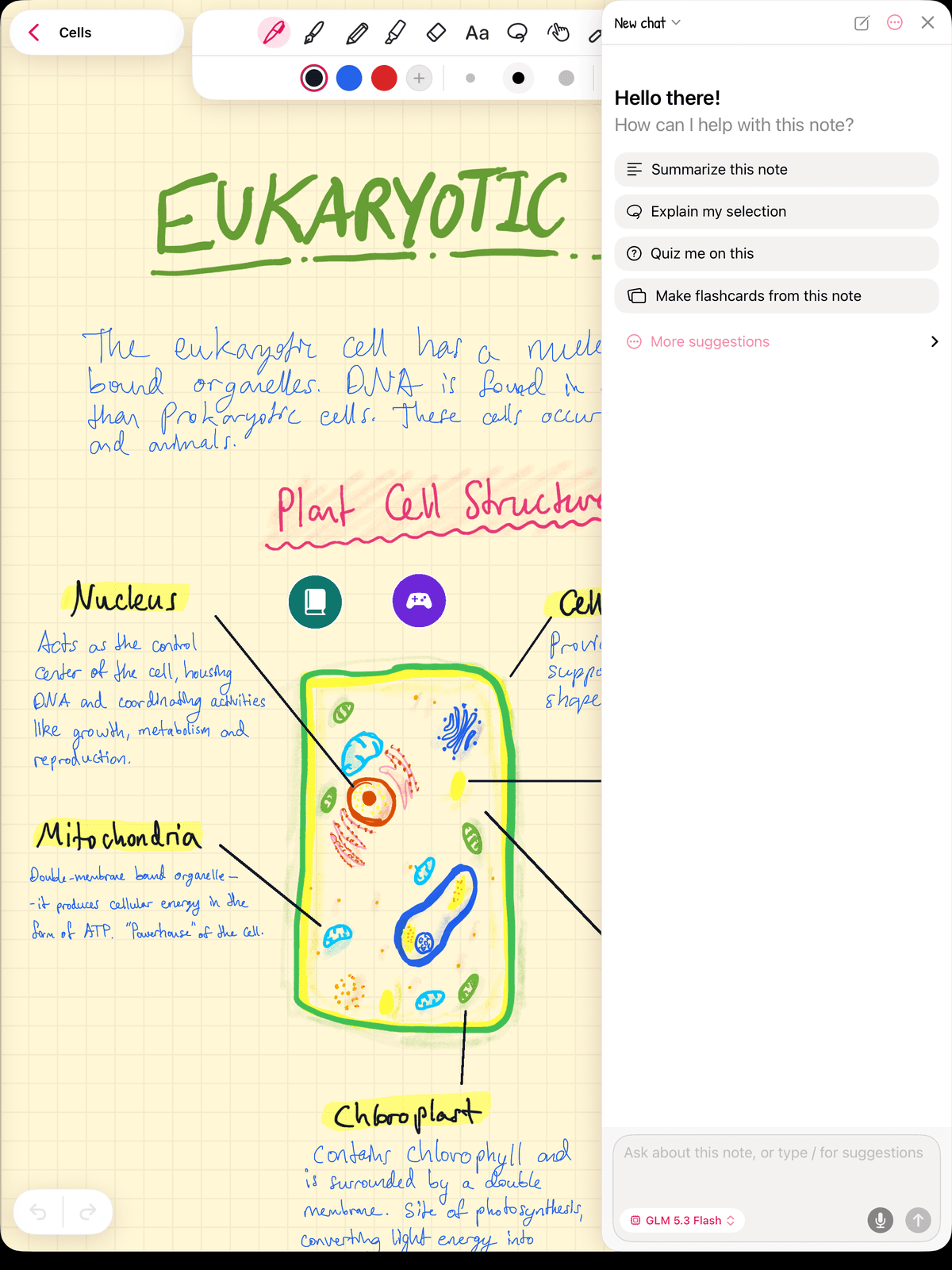
You go after the why. Here's what Maya did with her handwritten notes in Strawberry Notes.
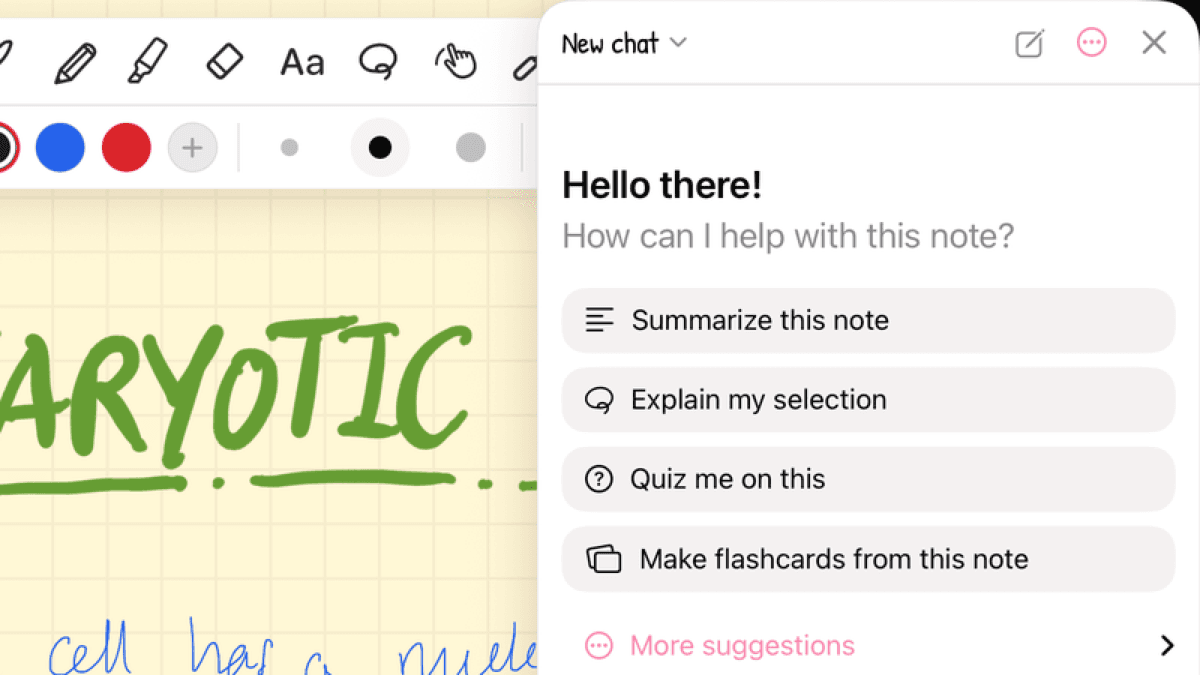
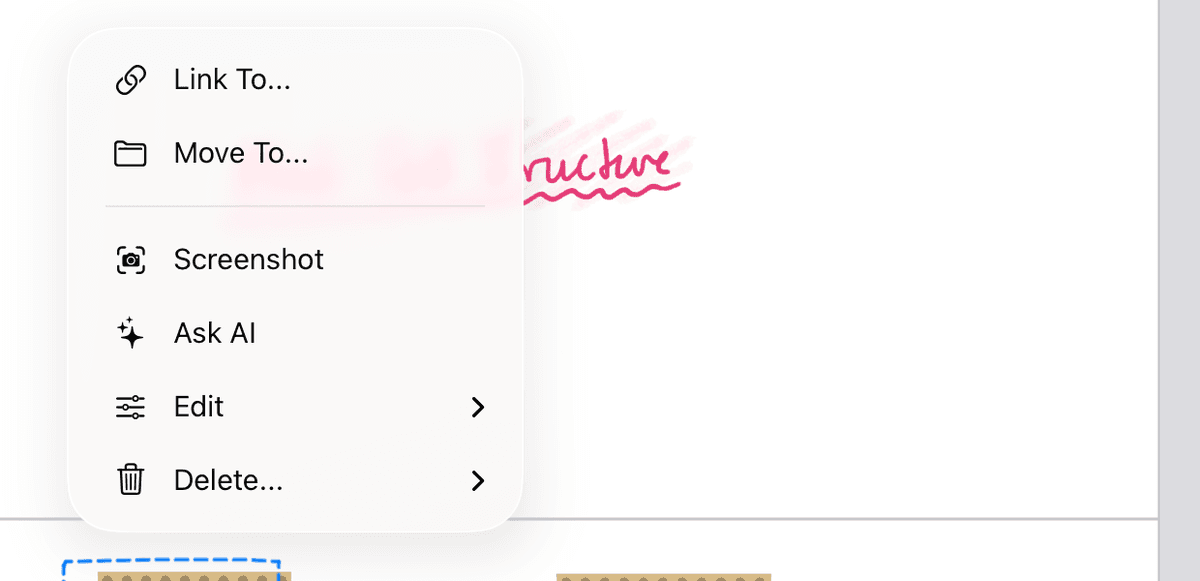
Ask why about a step you can already do. She lassoed one, tapped the selection, chose Ask AI, then Explain my selection, and asked why that step is allowed. Stuck on a whole idea? Explain the hardest idea in this note simply is in the same AI panel.
Explain it back in your own words. She wrote a few lines on why the rule works, then tapped Check my work for mistakes on her explanation. If you can't explain it simply, you don't know it yet. That's the Feynman technique.
What is an explorable explanation?
This is the one Maya loved. It lets you *touch* the why.
In the AI panel she tapped More suggestions, then Create an explorable explanation. The chip filled the box with "Create an explorable explanation of this material", and she edited it to name the idea, something like "...of why the quadratic formula works". The app showed "Building the explorable explanation…" while it worked. It read her handwriting and built an interactive lesson from her note.
An explorable explanation turns your note into a hands-on lesson, one idea at a time. Each section is marked "Idea 1 of 4" or similar, and has:
- What, in plain sentences.
- Why, the cause or why it matters.
- An everyday example.
- A demo you manipulate. A slider, a draggable object or a toggle updates a diagram and a live readout right away. For a quadratic, a demo might let you drag a slider and watch the parabola move as the number changes.
- A Check. You predict or apply, and right and wrong answers both get a one-sentence why. A wrong answer names the likely misconception and points you back to the demo.
It ends with "What you learned" and one question that applies the ideas to a new situation. That's practice for the problem that looks different, with help right there if you get it wrong. When it's ready, the chat shows an Open button and a shortcut lands on your note. It uses AI credits, so pick the idea you understand least. AI can make mistakes, so compare anything surprising with your textbook.
Should you reread your notes before a math test?
Rereading feels like studying. You look at a worked example, every step makes sense, and you feel ready. But following a solution is not the same as finding one yourself.
Researchers who reviewed ten popular study techniques (Dunlosky and colleagues, 2013) rated rereading and underlining as low utility. Testing yourself and spreading your study over several days were rated high.
So study by doing: cover the solution, work the problem from a blank page, then check it. When you get stuck, you've found the exact idea you don't understand yet, and that's the one to dig into.
How do you know you really get it?
- Quiz me on this shows you whether you can handle questions you didn't write.
- Make "why" flashcards. Lasso a rule, tap the selection, choose Edit → Create Flashcard, and your handwriting goes on the back. On the front, write "Why can you do this?" Here's more on turning handwritten notes into flashcards.
- Mix up the problem types so a twist doesn't surprise you. More in interleaving.
Test tomorrow? Pick the one topic you can do but can't explain, and build an explorable explanation for just that.