The Leitner System: Flashcard Boxes That Save You Time
Tired of flipping through the same giant flashcard pile every night? The Leitner system shows you what to skip. Here's how it works.
You flip through all 200 flashcards every night, even the ones you've known for days. The Leitner system fixes that with boxes. Cards you get right move to a box you open less often. Cards you get wrong go back to Box 1. Your pile shrinks to what you actually need tonight.
No more time spent on cards you already know. That's the whole idea!
How does the Leitner system work?
It's an old idea. According to Wikipedia, the German science journalist Sebastian Leitner described it in the 1970s in his book *So lernt man lernen* ("How to learn to learn"), and his original version used a physical box with partitions that you filled up.
The rules are short:
- Every card starts in Box 1.
- Right answer: the card moves up one box. Wrong answer: it goes back to Box 1.
- Higher boxes get studied less often.
Wikipedia gives a three-box schedule as an example you "might choose": Box 1 every day, Box 2 every 3 days, Box 3 every 5 days. The University of York's study guide uses another: Box 1 every day, Box 2 every other day, Box 3 once a week. York says to use 3 to 5 boxes, so pick the schedule that fits your exam date.
What are the steps to implement the Leitner system?
Paper is enough. A Leitner box can be three small boxes, three envelopes, or three rubber-banded stacks. Set them on your desk and label them 1, 2 and 3.
- Write a question on one side of each card and the answer on the other.
- Put every card in Box 1.
- Study Box 1 today. Right answer, move the card to Box 2. Wrong answer, it stays in Box 1.
- On a Box 2 day, study Box 2. Right goes to Box 3. Wrong goes back to Box 1.
- Keep going on your schedule.
Say you've got a three-box schedule of 1, 3 and 5 days. A card you know on Monday sits in Box 2 until Thursday, then Box 3 until the next week. A card you keep missing shows up every day until it sticks. Your effort goes to the cards that need it.
The honest catch with paper boxes
York's guide warns that managing lots of cards across several subjects can feel overwhelming, that setup takes time, and that a big pile can lead to procrastination. Which box is due today? Did you move that card? It's easy to lose track, and easy to skip a day.
Leitner system flashcards in Strawberry Notes
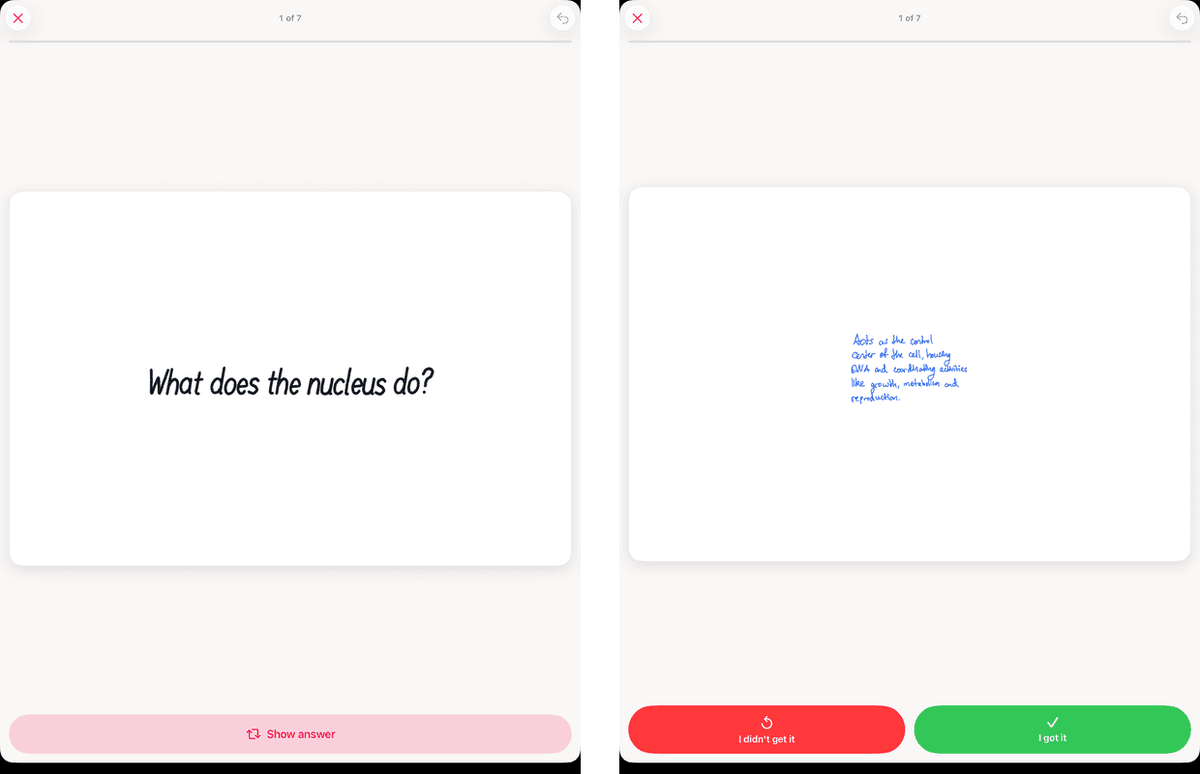
In Strawberry Notes the app does the box-moving for you. Study a deck, and after each card tap Show answer, then rate how it went: Again, Hard, Good or Easy. Tap Again and the card comes back soon. Tap Good or Easy and it goes further out. There are no boxes to carry around.
Want it even closer to Leitner's right-or-wrong rule? Go to Settings → Flashcards → Rating scale and pick Two buttons. (Then you just tap I got it or I didn't get it.) There's a three-button option too.
The difference from fixed boxes: the app uses FSRS, which works out each card's next day from your own history instead of a set 1-3-5 schedule. Curious how? Read what FSRS is, or the basics of spacing.
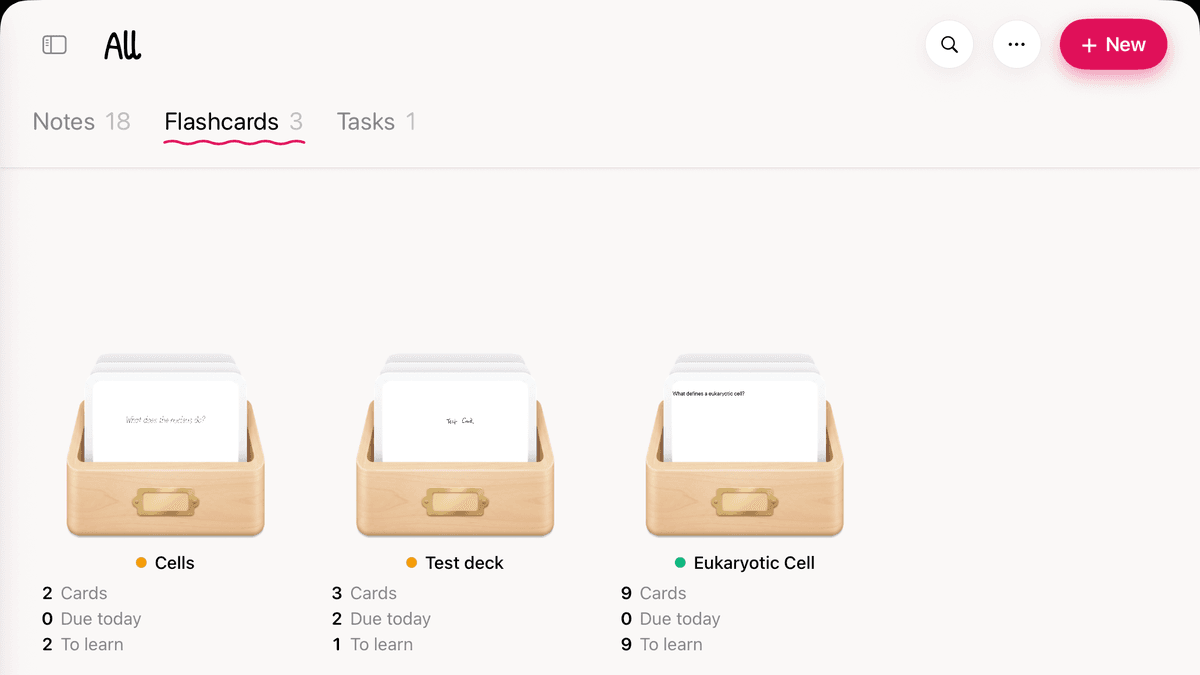
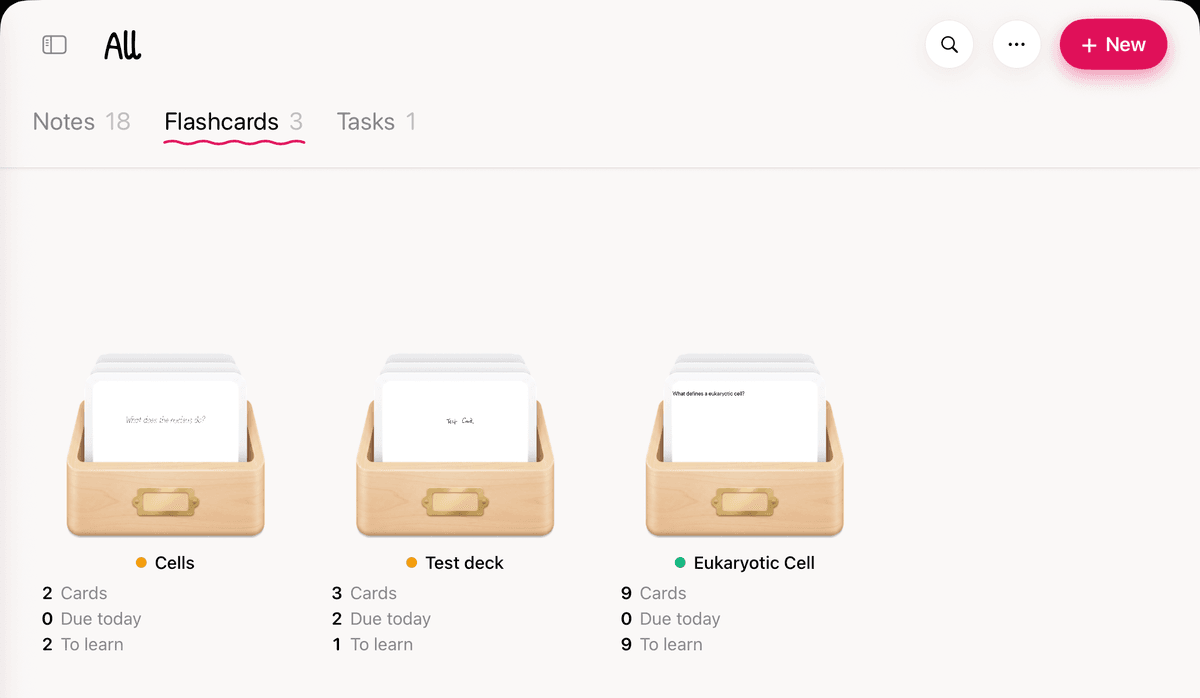
Open the Flashcards tab and look at "Due today". That's tonight's whole pile. If you want cards to come back more or less often, change Desired retention in Deck Settings.
Your cards can be handwritten too. Lasso a line in your notes, tap the selection, and choose Edit → Create Flashcard. Your handwriting goes on the back of the card, and you write the question on the front.
Short on time? Let AI make the deck. Open the AI panel on a note and tap Make flashcards from this note. It reads your handwriting and writes the cards for you, so you can start in Box 1 tonight. Learn more in how to make flashcards with AI.